

MotoPress Hotel Booking Plugin is a professional hotel booking WordPress plugin designed for short-term accommodation businesses such as hotels, vacation rentals, and bed and breakfasts. It offers features like real-time availability calendars, property search, and a booking engine, helping you easily manage online reservations and boost direct bookings.
Core Features of MotoPress Hotel Booking Plugin
This hotel booking WordPress plugin is packed with features to meet various rental needs:
- Create beautiful property listings with unlimited accommodations and unlimited bookings, with no extra commissions.
- Seasonal pricing and rate control, flexibly adjusted based on different parameters.
- Sync bookings with channels like Airbnb and Booking.com via iCal.
- Custom search forms and availability calendars to enhance user experience.
- Support for multiple payment gateways, enabling online instant payments.
- Add taxes and booking rules (e.g., check-in/check-out times, minimum/maximum stay).
- Manually or automatically confirm bookings, create discount coupons, and sell additional services.
- Edit and manage bookings, send automated branded emails, and view business statistics.
- Support CSV export of booking data, compatible with page builders like Divi and Elementor.
- Provide REST API for easy integration with other platforms.
Learn more about using the plugin through WordPress Resource Site.
How to Install and Use MotoPress Hotel Booking Plugin
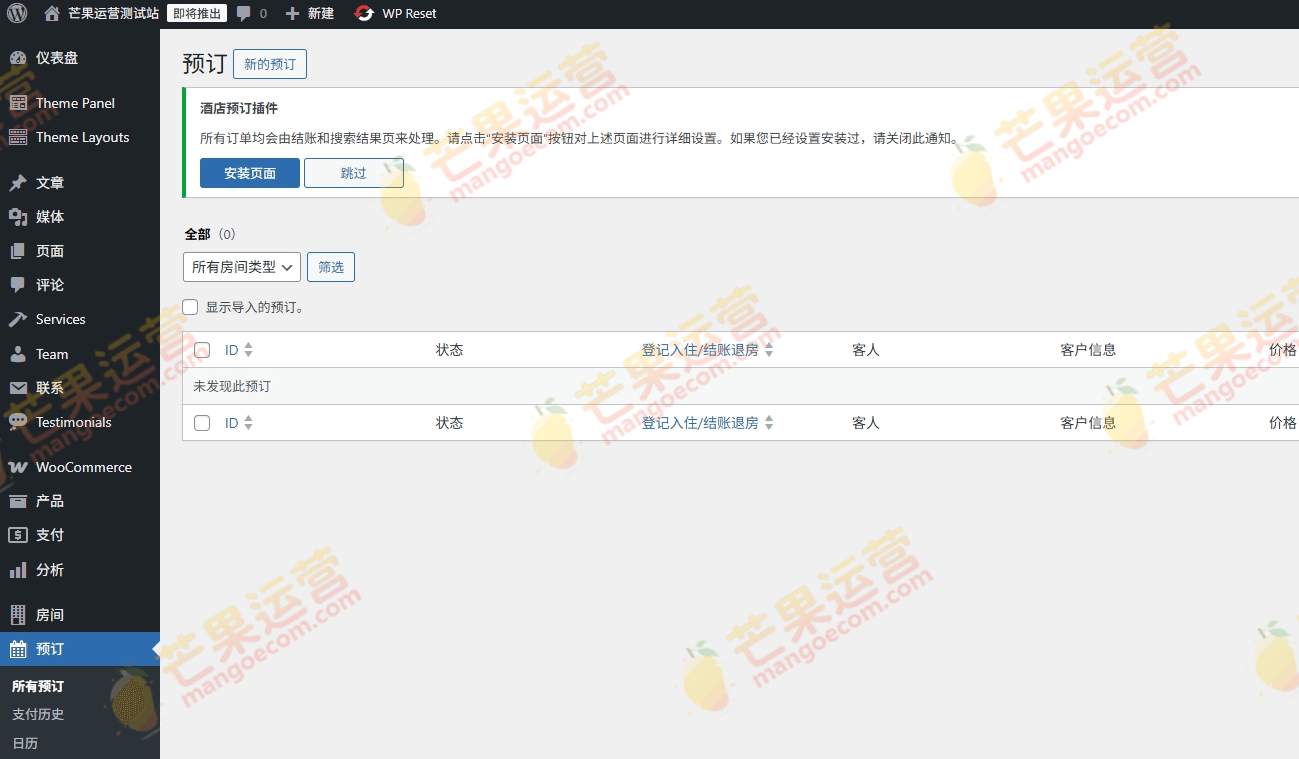
The installation process is simple: download the plugin package, go to WordPress admin "Plugins" -> "Add New" -> "Upload Plugin", select the file, activate it, and you're ready to use. No additional activation steps are needed; just ignore the activation prompt.
Compatibility and Extensibility of MotoPress Hotel Booking Plugin
This plugin is compatible with the latest version of WordPress and supports Divi and Elementor page builders. Its functionality can be extended through dedicated add-ons to meet more complex needs.
Frequently Asked Questions
How to install MotoPress Hotel Booking Plugin?
After downloading the plugin, go to WordPress admin "Plugins" -> "Add New" -> "Upload Plugin", select the plugin zip file, and activate it. Ignore the activation prompt and use it directly.
What scenarios is this plugin suitable for?
It is suitable for various short-term accommodation businesses such as hotels, vacation rentals, bed and breakfasts, inns, campsites, and pet boarding.
Which page builders is MotoPress Hotel Booking Plugin compatible with?
It is compatible with Divi and Elementor, allowing you to use plugin elements within these page builders.
How often is the plugin updated?
Please refer to the official documentation for specific update frequency.
Does it support multi-channel synchronization?
Yes, it supports syncing bookings with channels like Airbnb and Booking.com via iCal.

Comments (0)