
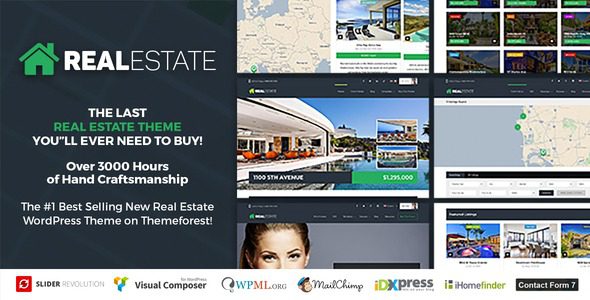
Real Estate 7 Real Estate WordPress Theme Professional Complete Guide
Real Estate 7 Real Estate WordPress Theme is a professional theme built specifically for the real estate industry, suitable for agents, property managers, developers, and vacation rentals. This theme not only boasts stunning visuals but also provides a complete solution to help you attract more users, capture leads, and boost commission revenue.
This article will provide a comprehensive breakdown of Real Estate 7, covering features, installation, usage, and more, along with the official purchase link for your reference. If you need Chinese-language resources, please stay tuned for future updates on this site.
Real Estate 7 Key Feature Highlights
Real Estate 7 comes packed with a rich set of feature modules to meet the diverse needs of real estate websites:
- Agent & Property Management: Supports listing other agents' properties, property display, and custom fields for agent information.
- Search & Filtering: Powerful property search functionality that helps users quickly locate target properties.
- Page Templates: Provides 6 custom page templates for flexibly building homepages, listing pages, detail pages, and more.
- Design Customization: 400+ Google Fonts, retina-ready, built with HTML5/CSS3, and supports child themes.
- Social Sharing: Integrated share buttons for Facebook, Twitter, Google+, and LinkedIn.
- Multilingual Support: Compatible with WPML for building multilingual sites with ease.
- Layout Options: 8 widget-ready sidebars, two custom menu locations, and built-in breadcrumbs.
- Extended Features: Video-ready, advertising space, shortcode generator, custom user profiles, and more.
These features make Real Estate 7 the ultimate choice for building real estate websites, whether it's a paid listing portal, a vacation rental site (similar to Airbnb), or a single property landing page — all can be easily achieved.
Real Estate 7 Installation & Usage Tutorial
After installing the Real Estate 7 theme, it's recommended to exit the setup wizard first, upload and activate the required plugins from the resource package, and then re-enter the wizard to complete the configuration. If plugins are missing, you can install them online. Here are the brief steps:
- Upload the theme and activate it, skipping the initial wizard.
- Install and activate all required plugins.
- Re-enter the setup wizard and follow the prompts to import demo data.
- Configure the homepage, menus, and sidebars to complete your website setup.
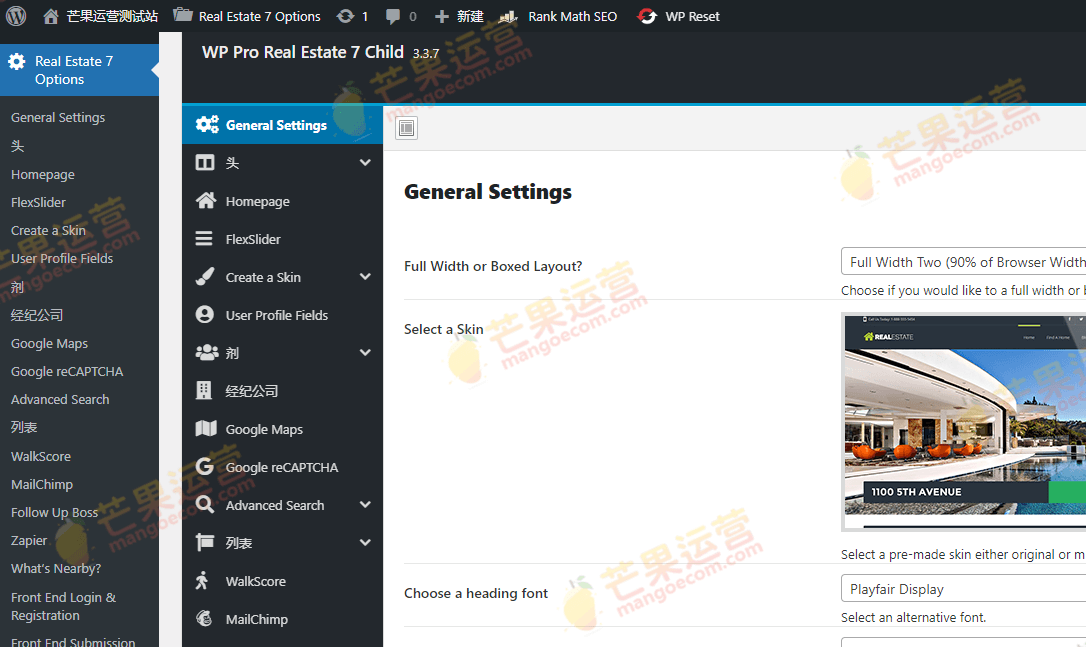
After importing the demo template, you can refer to the image below for the front-end display effect (image is for illustration only):

Real Estate 7 Official Resources & Purchase
To ensure you receive a legitimate license and ongoing updates, we strongly recommend purchasing Real Estate 7 through official channels. You can access the official page via the following link: Official Purchase Link. Purchasing officially grants you technical support and future updates while avoiding copyright risks.
If you encounter any issues during installation or usage, feel free to leave a comment below, and we'll do our best to help. Additionally, you can check out the related tutorials on this site for more WordPress website-building tips.
Frequently Asked Questions
How do I install the Real Estate 7 theme?
Installation steps: In the WordPress admin panel, go to "Appearance" -> "Themes" -> "Add New Theme," upload the theme zip file, and activate it. After activation, exit the wizard first, install the required plugins, and then follow the wizard to import demo data.
What use cases is Real Estate 7 suitable for?
It's suitable for real estate agents, property managers, developers, vacation rental websites, and more. It also supports multilingual and multi-site deployments.
Which WordPress versions is Real Estate 7 compatible with?
According to official information, Real Estate 7 supports WordPress 5.0 and above, and is compatible with the WPML multilingual plugin.
How often is Real Estate 7 updated?
For specific update frequency, please refer to the official page. Typically, compatibility fixes and new features are released after major WordPress core updates.

