
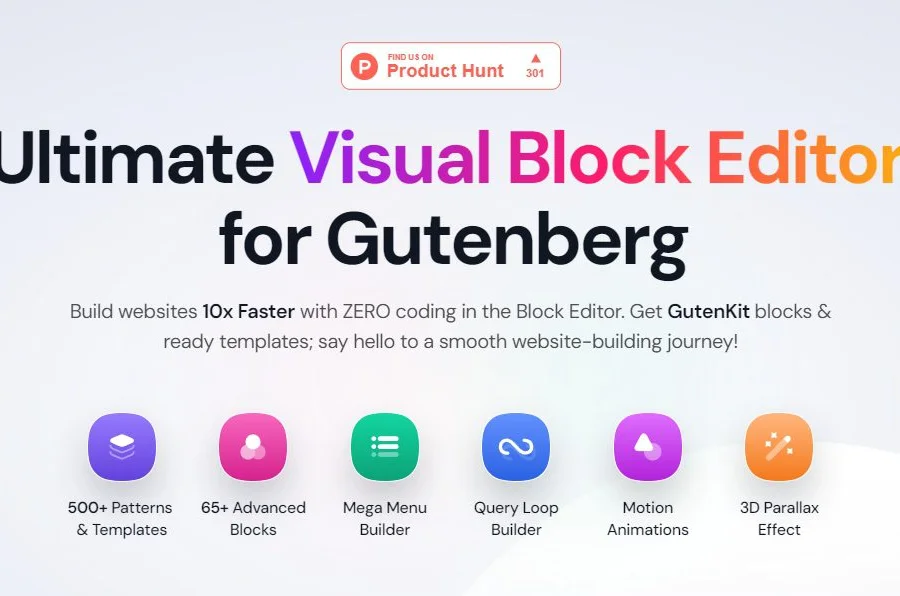
GutenKit Blocks Pro Gutenberg Page Builder Block Drag-and-Drop Design Element Plugin In-Depth Analysis
GutenKit Blocks Pro is an advanced block plugin built specifically for the WordPress Gutenberg editor. Through its rich, customizable modules, it makes page building as simple as dragging and dropping building blocks. Whether you're a beginner or a seasoned developer, this plugin helps you quickly create professional and visually stunning web pages. GutenKit Blocks Pro comes with a massive block library, covering advanced sliders, responsive grids, interactive content elements, pricing tables, team showcases, testimonial carousels, and more, fully meeting the design needs of all types of websites. If you're looking for a tool that can dramatically enhance your Gutenberg editing experience, GutenKit Blocks Pro is definitely worth trying. For more WordPress resources and tutorials, visit BoboHello Resource Site.
GutenKit Blocks Pro Core Features and Advantages
GutenKit Blocks Pro upgrades the Gutenberg editor from a basic content editing tool into a powerful page builder. It offers over 40 carefully designed blocks, each supporting deep customization, including typography, colors, spacing, borders, shadows, animations, and more. Here are its most standout highlights:
- Drag-and-Drop Design: All blocks can be quickly added to pages via drag-and-drop, no coding required.
- Responsive Controls: Each block provides independent style settings for desktop, tablet, and mobile, ensuring your website looks perfect on any device.
- Preset Template Library: Built-in library of ready-made page templates and block combinations, importable with one click, greatly saving design time.
- Dynamic Content Support: Can be combined with WordPress custom fields, post types, and other dynamic data to build dynamic lists, product showcases, and more.
- Performance Optimization: Lightweight code, loaded on demand, won't slow down your website.
Compared to other page builders on the market, GutenKit Blocks Pro's biggest advantage is that it's entirely based on the native Gutenberg editor, without relying on shortcodes or an additional builder interface, resulting in better compatibility and no content loss during site migration. The official page provides detailed feature demos and documentation: GutenKit Official Website.
GutenKit Blocks Pro Installation and Usage Tutorial
Installing GutenKit Blocks Pro is very simple—just a few steps to get started. Here's the complete installation process on a WordPress website:
Step 1: Upload and Activate the Plugin
In the WordPress admin, go to "Plugins" > "Add New" > "Upload Plugin," select the GutenKit Blocks Pro installation package and upload it, then click "Activate."
Step 2: Register and Activate
After activation, the plugin will prompt you to enter your email for registration. Follow the on-screen instructions to complete the registration process, then follow the guide to install the base plugin (GutenKit core plugin) online.
Step 3: Start Using
Once activated, you'll see a new GutenKit block category in the Gutenberg editor. Click the "+" button to add a block, search for "GutenKit" to find all available blocks. Drag any block onto the page to start designing.
Note: During installation, maintain a stable internet connection so the plugin can download necessary resources from the official server. If you encounter installation issues, check the official documentation or community forums for help. For specific version update details, refer to the official release notes.
GutenKit Blocks Pro Use Cases and Compatibility
GutenKit Blocks Pro is suitable for all types of WordPress websites, including corporate sites, personal blogs, e-commerce stores, portfolios, landing pages, and more. It's compatible with most mainstream WordPress themes, especially those optimized for the Gutenberg editor (such as Blocksy, GeneratePress, Astra, etc.). It's also compatible with WooCommerce, making it suitable for building product showcases and promotional pages.
In terms of performance, GutenKit Blocks Pro follows WordPress coding standards, generating clean and efficient code. It only loads the necessary CSS and JS files on pages containing the corresponding blocks, avoiding global resource waste. If you have high requirements for website speed, this plugin is a reliable choice.
Frequently Asked Questions
Does GutenKit Blocks Pro require an additional page builder?
No. GutenKit Blocks Pro is entirely based on the native WordPress Gutenberg editor and can be used directly in the editor after installation, without needing to install Elementor, Divi, or other builders.
Does GutenKit Blocks Pro support Chinese?
The plugin itself supports multiple languages. You can localize its interface into Chinese through WordPress language settings or translation files. For specific Chinese language packs, refer to the official documentation or community translations.
How do I update GutenKit Blocks Pro?
Update frequency depends on the development team, and updates are typically pushed through the WordPress admin when new versions are released. You can also manually download the latest version from official channels and overwrite the installation. For specific changelogs, refer to the official documentation.
Is GutenKit Blocks Pro compatible with my theme?
It's compatible with the vast majority of themes that follow WordPress standards. If you encounter style conflicts, you can adjust them through the block's built-in style options, or contact the theme author for support.
Does GutenKit Blocks Pro support dynamic content?
Yes, some blocks support pulling content from dynamic sources such as custom fields, posts, and users, making them suitable for building dynamic lists and templates. For specific supported ranges, refer to the official documentation.

