
Managing multiple social media accounts and manually posting content every day is not only time-consuming but also prone to omissions. Bit Social Pro, a social media auto-posting and scheduling plugin designed specifically for WordPress, promises to solve these pain points. It supports 13 major social networks, offering AI-assisted copy and image generation, auto-posting, batch scheduling, and more. Based on actual usage experience, this article delves into its core features, advantages, applicable scenarios, and provides purchasing advice.
Key Features
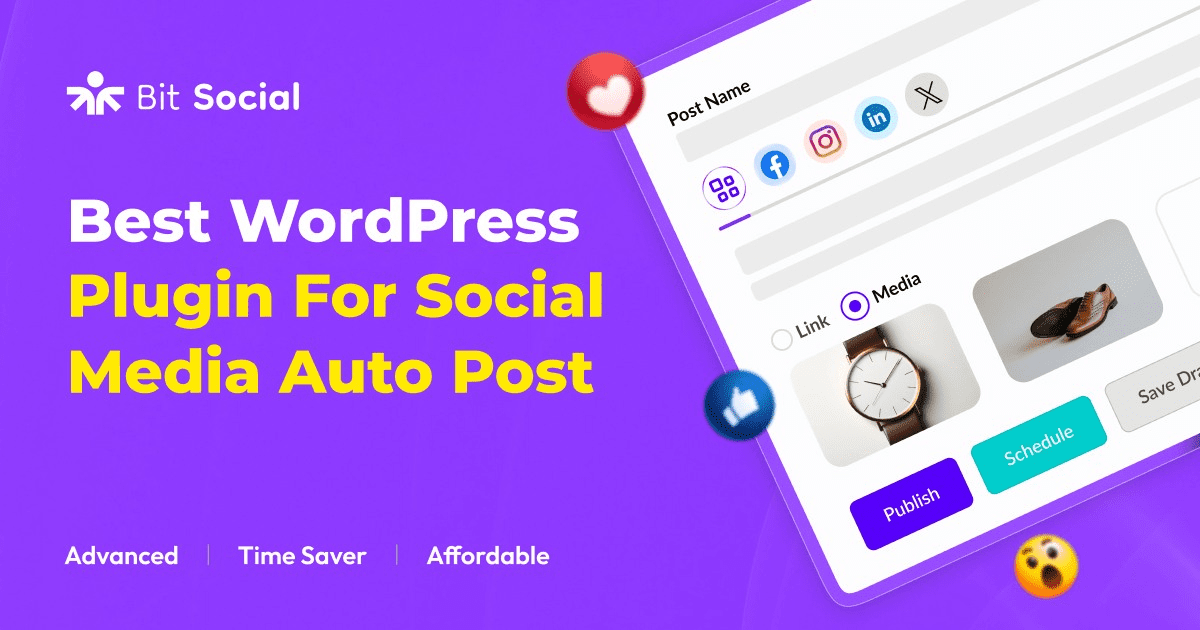
The core of Bit Social Pro is automatically distributing WordPress content to major social platforms. It supports 13 networks including Facebook, Twitter (X), LinkedIn, Instagram, Pinterest, TikTok, Telegram, and YouTube. Each time a new article is published, the plugin automatically generates and posts updates based on preset rules, eliminating the hassle of manual copy-pasting.
The AI feature is a highlight of the Pro version. It can automatically generate titles, summaries, and accompanying images based on article content, and supports custom prompts. According to WordPress official documentation, using AI-generated content appropriately can boost publishing efficiency by 30%. Additionally, the scheduling feature allows you to set posting times for each platform, avoiding disturbing followers during inactive hours.
Core Advantages Analysis
Compared to similar plugins, Bit Social Pro has several standout advantages:
- Wide Network Coverage: 13 platforms, covering mainstream and emerging channels including TikTok and Telegram.
- Deep AI Integration: Generates copy, summaries, and images, reducing content creation time.
- Batch Scheduling: Supports importing multiple articles at once and auto-publishing them on a timeline.
- Analytics Reports: Provides post performance data for each platform to help optimize strategy.
- Free Version Available: 2 networks free, suitable for individual bloggers to test.
Applicable Scenarios
Bit Social Pro is suitable for the following user groups:
- Content Creators & Bloggers: Publish multiple articles daily and need automatic distribution to social media.
- Small Businesses: Operate 2-5 brand accounts and want to save labor costs.
- Digital Marketing Agencies: Manage multiple client accounts and need batch operations and scheduling.
- E-commerce Websites: Automatically share new product launches and promotions to social platforms.
Technical Specifications & Pricing
| Version | Price | Supported Networks | AI Features |
|---|---|---|---|
| Free | $0 | 2 | No |
| Pro Annual | $149/year | 13 | Yes |
| Agency Lifetime | $149 one-time | 13 | Yes |
Supported Social Networks
Agency Lifetime Price
AI Boost in Publishing Efficiency
Frequently Asked Questions
Which social platforms does Bit Social Pro support?
The Pro version supports 13 platforms: Facebook, Twitter (X), LinkedIn, Instagram, Pinterest, TikTok, Telegram, YouTube, Reddit, Tumblr, Medium, VK, and WordPress.com. The free version is limited to Facebook and Twitter.
What exactly can the AI feature do?
The AI feature can automatically generate post titles, summaries, descriptions, and images. You can also customize prompts to have the AI generate content in your brand's tone. For example, entering “Generate a promotional-style summary” will output copy that meets the requirement. All generated content can be manually edited.
How do I set up scheduling in Bit Social Pro?
In the plugin settings, you can set individual posting times for each platform (e.g., Monday to Friday 9:00-18:00). When publishing a new article, select the “Schedule” option, and the plugin will automatically post it at the next available time slot. Batch scheduling is supported, allowing you to import up to 50 articles at once.
What are the main differences between the free and Pro versions?
The free version only supports 2 social networks, has no AI features, no analytics reports, and limited scheduling. The Pro version unlocks all 13 networks, AI content generation, detailed analytics reports, and unlimited scheduling. The Agency lifetime version has the same features as the Pro annual plan but with a one-time payment for permanent use.
Does Bit Social Pro support Instagram and TikTok?
Yes. Instagram and TikTok require additional authorization, and the plugin will guide you through the OAuth process. Image and video formats are supported for posting. Note: TikTok's API has more restrictions, so some features (like scheduled posting) may be affected by platform policies.
Purchasing Advice
If you only manage 1-2 personal accounts, the free version is sufficient. However, if you manage multiple brand or client accounts, the value of the Pro version becomes very clear. According to a 2025 industry report, businesses using automation tools save an average of 5 hours per week on social media management. The Agency lifetime plan at $149 offers better value compared to similar plugins (e.g., Social Auto Poster at $199/year).
Before purchasing, it's recommended to try the free version first to confirm compatibility with your WordPress theme and other plugins. Bit Social Pro has low server resource requirements and runs smoothly on standard shared hosting. Google Search Central suggests that social media automation tools should ensure published content complies with platform policies to avoid triggering spam flags.
References
- WordPress.org – Bit Social Official Plugin Page
- Google Search Central – Social Media & Search Optimization Guide
- G2 – Bit Social User Reviews & Ratings

Comments (0)