
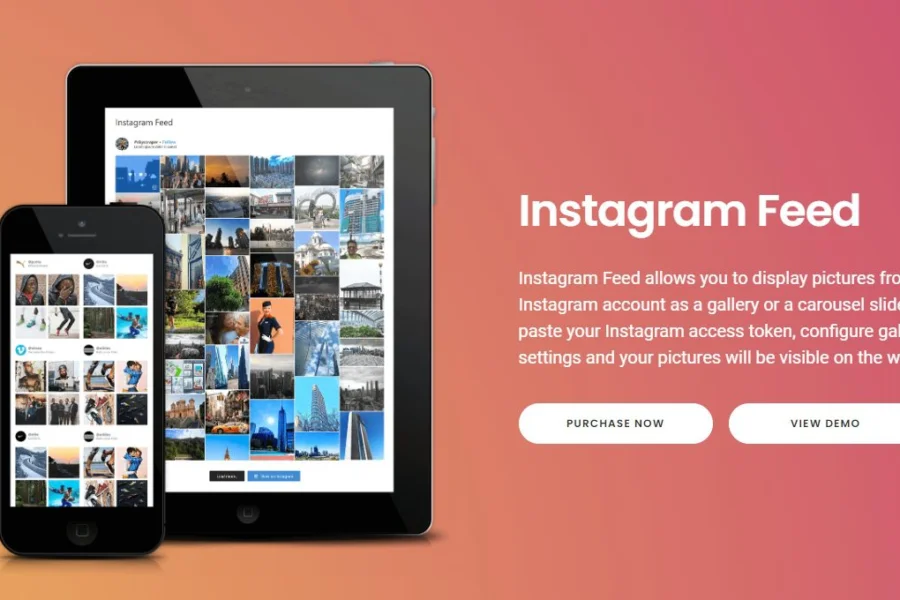
Instagram Feed Pro is a powerful WordPress Instagram plugin that seamlessly displays images from your Instagram account on your website in the form of galleries or carousel sliders. Simply paste your Instagram access token, configure the gallery settings, and images will sync and display automatically. This guide details its features, installation methods, and common questions.
Instagram Feed Pro Core Features Explained
This WordPress Instagram plugin offers rich features, allowing you to easily manage Instagram content display.
Multi-User Account Support
It allows you to add an unlimited number of user accounts, displaying different feeds on the same page or across your entire site. You can customize layouts and settings for each feed, and even integrate multiple feed types (such as photos, gifts, videos) into a single feed.
Image Popups and Highlights
The Instagram dynamic gallery supports displaying photos and videos in a popup gallery box, allowing users to browse content without leaving your site. Additionally, you can highlight specific posts using specific modes, post IDs, or hashtags (e.g., #Socialfeedgallery).
Multiple Customization Options
This plugin offers extensive customization features: add unlimited accounts, choose more layouts, load more buttons, customize backgrounds, padding, and rounded borders, and display profile information such as user avatars, usernames, and descriptions.
For more WordPress resources, visit Related Resources Site.
Instagram Feed Pro Installation and Activation
The installation process is quick and simple: upload the plugin zip file, activate it, and enter any email key to activate. Please refer to the official documentation or this tutorial for specifics.
Official Link: Instagram Feed Pro Official Page
Frequently Asked Questions
How to install Instagram Feed Pro?
After downloading the plugin zip file, go to WordPress admin "Plugins" -> "Add New" -> "Upload Plugin", select the file, click install and activate. Then go to the settings page and enter any email key to activate.
What display methods does Instagram Feed Pro support?
It supports various display methods such as galleries, carousel sliders, and popup galleries, and can integrate photos, videos, and gift content.
Which WordPress versions is this plugin compatible with?
It is compatible with WordPress 5.0 and above. It is recommended to keep both WordPress and the plugin updated to the latest version for compatibility.
How to update Instagram Feed Pro?
The plugin releases updates periodically. You can see update notifications on the WordPress admin plugins page and update automatically. For specific update frequency, please refer to the official release notes.
How many accounts does Instagram Feed Pro support?
It supports adding an unlimited number of Instagram accounts, each with independently configurable display styles.

Comments (0)