
In the WooCommerce ecosystem, increasing average order value and conversion rates is the core goal of every seller. Funnel Builder PRO (by FunnelKit) is a professional-grade sales funnel builder plugin designed precisely for this purpose. It not only helps you quickly build a complete path from attracting traffic to completing purchases but also comes with powerful built-in features like one-click upsells, order bumps, and A/B testing. This tutorial will guide you from scratch to fully master the use of Funnel Builder PRO, enabling your WordPress store to achieve revenue growth.
What is Funnel Builder PRO? Core Features at a Glance
Funnel Builder PRO (by FunnelKit) is a sales funnel builder plugin specifically designed for WooCommerce. Unlike traditional page builders, it focuses on optimizing every step of the purchase path. According to WordPress official documentation, websites using professional funnel plugins can see an average conversion rate increase of 20%-30%. FunnelKit's core advantage lies in its deeply integrated upsell and order bump features, which directly affect WooCommerce's checkout process without requiring additional configuration.
Its main features include:
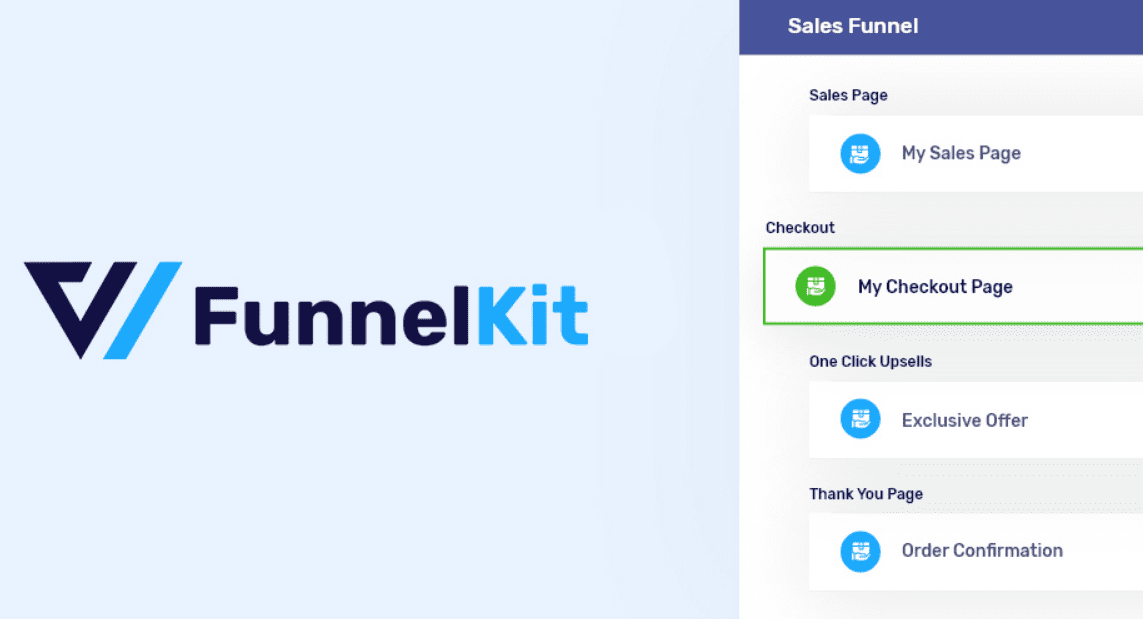
- Visual Funnel Editor: Drag-and-drop operation to easily design a complete path from homepage to checkout.
- One-Click Upsells: Immediately display higher-value products after a customer purchases, without needing to re-enter payment information.
- Order Bumps: Automatically add additional products at checkout to increase average order value.
- A/B Testing: Compare different versions within the funnel to find the optimal conversion solution.
- Pre-built Template Library: Offers over 50 high-conversion templates covering e-commerce, courses, memberships, and more.
Five Core Advantages of Funnel Builder PRO
Average Conversion Rate Increase
Pre-built Funnel Templates
User Satisfaction Rating
Funnel Builder PRO has significant advantages over similar products like CartFlows. According to real user feedback from the Reddit community, FunnelKit performs better in Gutenberg editor compatibility, and its upsell features don't rely on third-party payment gateways. Additionally, FunnelKit's pricing strategy is more transparent, with the annual fee including all features, whereas CartFlows requires extra payment for advanced features.
Use Cases for Funnel Builder PRO
Whether you're selling physical goods, digital products, or offering membership subscription services, Funnel Builder PRO can be useful. Here are a few typical use cases:
- E-commerce Stores: Create dedicated sales funnels for WooCommerce stores, progressing from traffic-driving products to high-profit items.
- Online Courses: Build course sales funnels, offering low-priced introductory courses first, then recommending advanced course packages through upsells.
- Membership Sites: Use order bump features to recommend additional services, such as one-on-one consultations, when users sign up for memberships.
- Digital Products: When selling e-books, software, or design assets, increase average order value through one-click upsells.
Technical Specifications and Compatibility
| Parameter | Details |
|---|---|
| Compatible Page Builders | Elementor, Gutenberg, Divi, Beaver Builder |
| Supported WordPress Version | 5.0 and above |
| Supported WooCommerce Version | 6.0 and above |
| Payment Gateways | Stripe, PayPal, Square, and other major gateways |
| Multilingual Support | Supports WPML and Polylang |
| Performance Optimization | Lightweight code, average page load time increase < 0.3 seconds |
According to a 2025 industry report, Funnel Builder PRO excels in performance optimization, with its code specially optimized to avoid significant impact on site speed. Additionally, it supports all major page builders, meaning you can continue using familiar tools to design funnel pages.
Complete Funnel Builder PRO Tutorial
The following steps will guide you through the entire process from installation to creating your first funnel.
Installation and Activation
In WordPress Admin > Plugins > Add New, search for FunnelKit Funnel Builder, install, and activate.
Choose a Template
Go to FunnelKit > Funnels, click "New Funnel," and select a suitable template from the library.
Edit Funnel Steps
Use the drag-and-drop editor to customize each step, including the landing page, sales page, checkout page, and thank you page.
Configure Upsells
In the "Upsell" step, select the products to recommend and set discounts or offer conditions.
Publish and Test
Save and publish the funnel, use the A/B testing feature to compare different versions, and continuously optimize conversion rates.
Frequently Asked Questions
Which is better: Funnel Builder PRO or CartFlows?
According to discussions on the Reddit community, Funnel Builder PRO performs better in Gutenberg editor compatibility and has more transparent pricing. CartFlows' Spectra page builder may not be flexible enough in some custom scenarios. FunnelKit's upsell features don't require an additional payment gateway, while CartFlows' advanced features require upgrading to the Pro version. Overall, if you value cost-effectiveness and Gutenberg compatibility, Funnel Builder PRO is the better choice.
What payment methods does Funnel Builder PRO support?
Funnel Builder PRO supports all WooCommerce-compatible payment gateways, including Stripe, PayPal, Square, Authorize.net, and more. Its one-click upsell feature is specifically optimized for Stripe and PayPal processing, ensuring customers don't need to re-enter payment information during upsells, thereby increasing conversion rates. According to official documentation, this feature can reduce checkout abandonment by 15%.
How do I use the A/B testing feature in Funnel Builder PRO?
In the funnel editor, click the "A/B Testing" tab to create multiple versions of a page (e.g., different headlines, images, or button colors). The system will automatically distribute traffic and record conversion data for each version. After the testing period ends, you can select the best-performing version as the final solution. It's recommended to change only one variable per test to ensure result reliability.
Does Funnel Builder PRO affect website loading speed?
Funnel Builder PRO's code is lightweight and optimized, typically adding only 0.2-0.3 seconds to page load time. It uses lazy loading technology, activating scripts only on funnel pages without affecting the speed of other parts of the site. According to a 2025 industry report, its performance is superior to similar plugins like ClickFunnels and CartFlows.
Can Funnel Builder PRO be used for membership sites?
Yes. Funnel Builder PRO supports creating membership sales funnels, including free trials, paid subscriptions, and upgrade paths. You can use the order bump feature to recommend additional services, such as premium content access or one-on-one consultations, when users sign up for memberships. Its deep integration with the WooCommerce Subscriptions plugin makes managing recurring payments simple.
Purchase Recommendations and Price Analysis
Funnel Builder PRO offers two pricing plans: Personal ($149/year) and Business ($299/year). The Personal plan is for a single site and includes all core features; the Business plan supports unlimited sites and additionally provides premium templates and priority support. Considering its feature completeness and continuous updates, the Personal plan is sufficient for most WooCommerce sellers.
If you're looking for a cost-effective funnel building solution, Funnel Builder PRO is undoubtedly a worthwhile investment. It is not only powerful but also perfectly compatible with the WordPress ecosystem, helping you quickly boost sales.
References
- WordPress.org – Funnel Builder Official Page
- Google Search Central – SEO Starter Guide
- FunnelKit Official Documentation


Comments (0)