
ShopMagic for WooCommerce: Essential Plugin for WooCommerce Automation Marketing
ShopMagic for WooCommerce is a powerful WordPress plugin designed to provide automation marketing and task automation for WooCommerce stores. With this plugin, you can create automated workflows, such as automatically sending personalized emails after a customer places an order, or sending reminders to customers who abandon their shopping carts, thereby boosting conversion rates and customer loyalty. This version is v4.8.3 Chinese localization, including all official add-ons, making it the ultimate tool for running your online store.
Note: Do not install ShopMagic for WooCommerce directly from the WordPress backend. Download it from this site and install it manually to ensure the add-ons activate smoothly.
Core Features Explained
Automated Workflows
ShopMagic allows you to create complex automation processes based on triggers and conditions. For example, automatically send a thank-you email when a customer completes a purchase, or send a re-marketing email when a customer hasn't visited for over 7 days. These workflows can be set up without any programming knowledge.
Personalized Emails and Conditional Logic
You can design personalized emails using dynamic content (such as customer names, order details) and set conditional logic (such as triggering different messages based on purchase amount) for precise marketing. Additionally, it supports customer tagging features for easy audience segmentation.
Integrations and Reporting
ShopMagic seamlessly integrates with WooCommerce Subscriptions, Memberships, Bookings, and other extensions, as well as third-party services like Gravity Forms and Slack. Built-in reporting and analysis tools help you track automation performance and optimize strategies.
Want to learn more about WordPress automation marketing tips? Check out our related guide: WordPress Automation Marketing Best Practices.
List of Included Add-ons
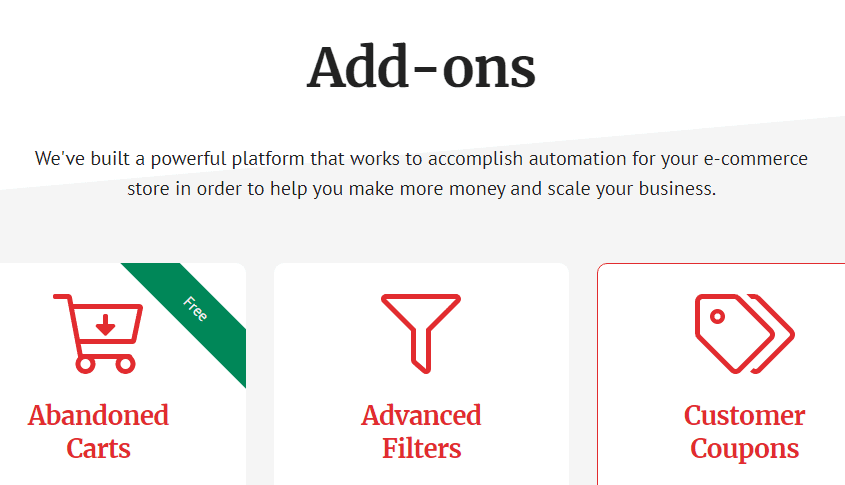
- ShopMagic for WooCommerce (Core)
- ShopMagic WooCommerce Memberships
- ShopMagic WooCommerce Subscriptions
- ShopMagic WooCommerce Bookings
- ShopMagic Gravity Forms
- ShopMagic Review Requests
- ShopMagic Delayed Actions
- ShopMagic Manual Actions
- ShopMagic Advanced Filters
- ShopMagic Customer Coupons
- ShopMagic Slack
- ShopMagic Abandoned Carts
Installation and Localization Instructions
Installation steps: First, upload and install the base plugin, then upload and activate the add-ons. This site's version includes localization files, ensuring the backend interface displays in Chinese. For specific installation methods, please refer to the documentation included with the plugin.
Official purchase link (if you want to support the original version): ShopMagic Official Add-ons Page
Frequently Asked Questions
How to install ShopMagic add-ons?
Please manually install the base plugin first, then upload each add-on ZIP file one by one. Do not search and install directly from the WordPress backend, otherwise the add-ons may not activate properly.
Which WooCommerce extensions are compatible with ShopMagic?
Officially supports WooCommerce Subscriptions, Memberships, Bookings, etc. For specific compatibility, please refer to the official documentation or the add-ons list.
Does this version include Chinese localization?
Yes, the v4.8.3 version provided on this site includes localization files, so the Chinese interface will be displayed after installation.
How often is it updated?
We follow official updates, typically releasing a new version once a month. You can download the latest version from this site.
How much can ShopMagic improve conversion rates?
The specific effect varies by store, but through automated emails and cart recovery features, it can typically increase customer retention rates by 10-30%.


Comments (0)