
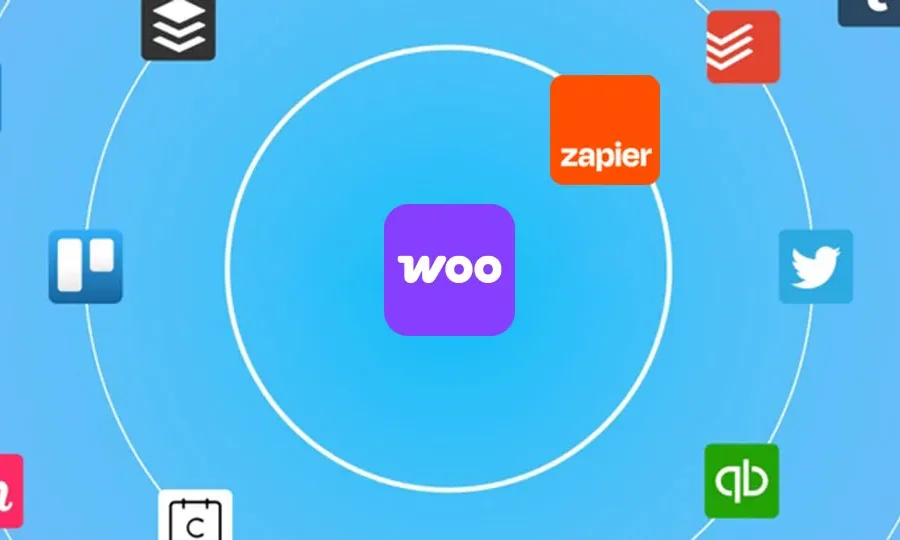
The WooCommerce Zapier plugin (WooCommerce Zapier Integration for WooCommerce) is an essential tool for connecting your WooCommerce store to thousands of cloud applications for bidirectional integration. With this WooCommerce Zapier plugin, you can automate workflows and sync orders, customer data, and more to hundreds of apps without any coding knowledge. This article provides a comprehensive overview of the plugin's key features, installation methods, and common questions.
Core Features of the WooCommerce Zapier Plugin
The WooCommerce Zapier plugin supports integration with the following categories of applications:
- Spreadsheets: Google Sheets, Zoho Sheets, Excel
- Email: Gmail, Office 365, Mailparser
- Sales and CRM: HubSpot, MailChimp, AWeber, SalesForce, Active Campaign
- Support: Slack, Zendesk, Freshdesk, Help Scout
- Accounting: QuickBooks, Xero, Freshbooks
- Phone and SMS: Twilio, ClickSend SMS, SimpleTexting
- Project Management: Trello, Asana, Basecamp
- Social Media: Twitter, Facebook, Instagram
- Content and Files: Google Docs, Google Drive, Dropbox
By learning more WordPress automation tips, you can further enhance your store's efficiency.
How to Install the WooCommerce Zapier Plugin
Installing the WooCommerce Zapier plugin is straightforward:
- In the WordPress admin, go to "Plugins" → "Add New Plugin".
- Search for "WooCommerce Zapier", or upload the downloaded plugin zip file.
- After activating the plugin, go to WooCommerce settings and find the Zapier tab.
- Follow the prompts to connect your Zapier account and start creating Zaps.
For more detailed steps, refer to the official documentation.
WooCommerce Zapier Compatibility and Localization
This plugin is compatible with WordPress 5.0+ and WooCommerce 4.0+ versions. The plugin interface is currently in English, but community localization packs are available. If you need a Chinese interface, you can download the language pack and place it in the wp-content/languages/plugins directory.
Frequently Asked Questions
Is the WooCommerce Zapier plugin free?
The WooCommerce Zapier plugin offers a free version, but advanced features may require a paid subscription. Please refer to the official pricing page for details.
How do I create a Zap connection?
After installing the plugin, select WooCommerce as the trigger app on the Zapier platform, then choose the target app and action. The plugin will handle data transfer automatically.
Which WooCommerce events are supported?
Supported events include new orders, order status changes, customer creation, and more. The full list can be viewed in the plugin settings.
How often is the plugin updated?
The plugin is regularly updated to maintain compatibility with the latest versions of WordPress and WooCommerce. It is recommended to enable automatic updates.
What should I do if I encounter integration issues?
First, check if the plugin is up to date, then review the Zapier logs. If the issue persists, you can provide feedback on the WordPress support forum or through official channels.


Comments (1)