
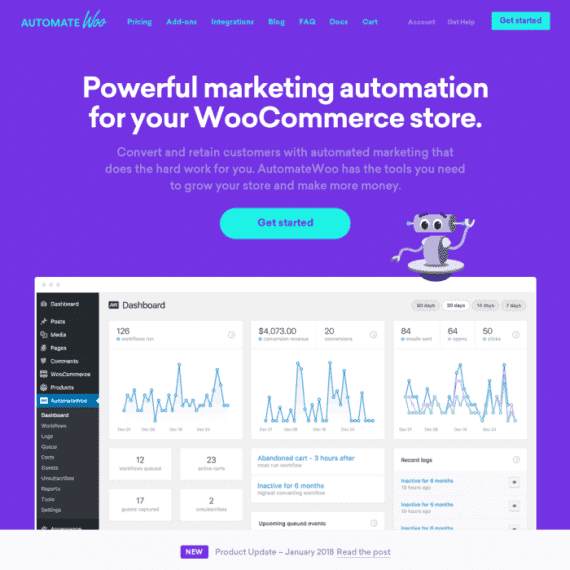
AutomateWoo is the top sales and marketing automation plugin for WooCommerce, helping you easily implement features like abandoned cart reminders, coupon sending, and cross-selling. This article provides a comprehensive overview of the core features, installation methods, and usage tips for the AutomateWoo WordPress plugin to help boost your store's conversion rate.
Core Features of the AutomateWoo WordPress Plugin
AutomateWoo offers a rich set of automated workflows, including: follow-up emails, abandoned cart recovery, re-engaging inactive customers, SMS notifications, review rewards, wishlist marketing, birthday emails, card expiration notifications, personalized coupons, subscription automation, referral programs, and automatic VIP management. These features allow you to efficiently manage customer relationships without manual intervention.
Installing and Localizing the AutomateWoo Plugin
Installing AutomateWoo is straightforward: download the plugin package, then upload and activate it via the WordPress admin plugin upload feature. Note: AutomateWoo version 5.8.5 has been tested and works immediately after installation and activation, with no additional activation required. Additionally, the plugin includes localization files, so the Chinese interface is displayed after installation, making it convenient for domestic users.
Guide to Setting Up Automated Workflows
To fully leverage AutomateWoo's power, it's recommended to start with an abandoned cart recovery workflow. Set trigger conditions, choose email templates, and add coupons to automatically send reminder emails. You can also combine it with WooCommerce marketing tools for cross-selling optimization. For detailed official documentation, refer to the AutomateWoo official website.
Frequently Asked Questions
How do I install AutomateWoo?
After downloading the plugin package, go to "Plugins" → "Add New" → "Upload Plugin" in the WordPress admin, select the file, and activate it. For details, refer to the official documentation.
What automation scenarios does AutomateWoo support?
It supports abandoned carts, follow-up emails, customer re-engagement, SMS notifications, review rewards, wishlists, birthday emails, card expiration reminders, personalized coupons, subscription automation, referral programs, and automatic VIP management.
Is AutomateWoo compatible with the latest version of WooCommerce?
AutomateWoo is continuously updated to ensure compatibility with the latest version of WooCommerce. It is recommended to use the latest version for optimal compatibility.
Does AutomateWoo have a Chinese localization?
The plugin includes localization files, so the Chinese interface is displayed after installation without any additional configuration.
How often is AutomateWoo updated?
The development team releases regular updates to fix bugs and add new features. It is recommended to enable automatic updates or follow official announcements.


Comments (0)