
SureForms Pro WordPress Plugin Introduction
SureForms Pro is a powerful WordPress form builder plugin that lets you create professional-grade forms in minutes through an intuitive drag-and-drop interface and AI-assisted features. Without writing any code, you can meet various needs ranging from simple contact forms to complex multi-step surveys. The plugin focuses on accessibility and compliance, ensuring all users can easily fill out forms. Whether it's a corporate website, e-commerce site, or personal blog, SureForms Pro helps you efficiently collect data and boost conversion rates. If you're looking for an efficient form solution, you might also want to check out other quality resources on bobohello.com.
SureForms Pro Core Features Overview
AI-Powered Smart Builder
With AI technology, you simply describe your needs and the plugin automatically generates form fields and layouts. Meanwhile, traditional drag-and-drop operations remain smooth, with over 20 input types (text boxes, dropdown menus, checkboxes, etc.) to cover various scenarios.
Accessibility and Compliance
SureForms Pro follows WCAG standards, supporting keyboard navigation, screen reader compatibility, color contrast optimization, and clear labels and instructions, ensuring visually impaired users can also successfully submit forms.
Dynamic Data and Conditional Logic
With dynamic data features, you can pre-fill user information (such as name and email) for personalized interactions. Conditional fields show or hide follow-up questions based on users' previous answers, making forms smarter.
Multi-Step Forms and Standalone Landing Pages
Break long forms into multiple steps to guide users through completion, improving completion rates. You can also embed forms into standalone landing pages without additional embed code, making it easy for quick deployment and lead capture.
Responsive Design and Beautiful Styles
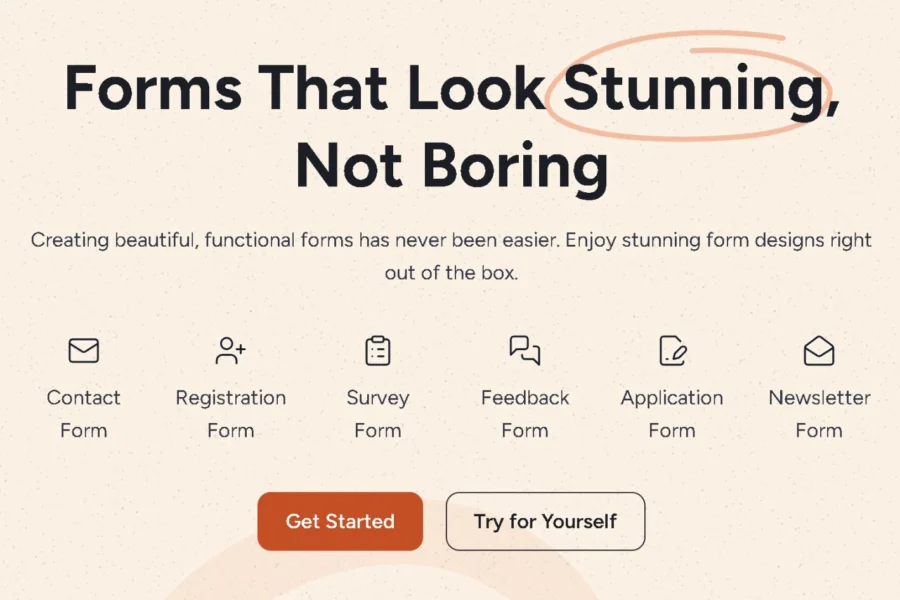
All forms automatically adapt to various devices and come with multiple preset styles, allowing you to create beautiful forms without any design skills.
How to Install and Use SureForms Pro
Installing SureForms Pro is very simple: First, search for and install the basic version of the SureForms plugin in the WordPress admin panel, then upload the Pro version and activate it. If prompted to install the basic version, follow the instructions to install it online. After activation, you can use the provided license key for authorization (refer to the official documentation for the specific key). Once installation is complete, you'll see the SureForms menu in the admin panel and can start creating forms. For more detailed information, please visit the official link.
Frequently Asked Questions
Does SureForms Pro require programming knowledge?
No. SureForms Pro provides an intuitive drag-and-drop builder and AI assistance, allowing you to create forms without any code.
Is SureForms Pro compatible with all WordPress themes?
Yes, SureForms Pro is designed to be compatible with most WordPress themes, but specific compatibility may vary by theme. It's recommended to check the compatibility list in the official documentation.
How often is SureForms Pro updated?
SureForms Pro is regularly updated to fix bugs and add new features. Please refer to the official release log for specific update frequency.
Does SureForms Pro support multilingual forms?
SureForms Pro itself supports multilingual functionality, but the specific implementation may depend on the translation plugin you use. Please refer to the official documentation for details.

