
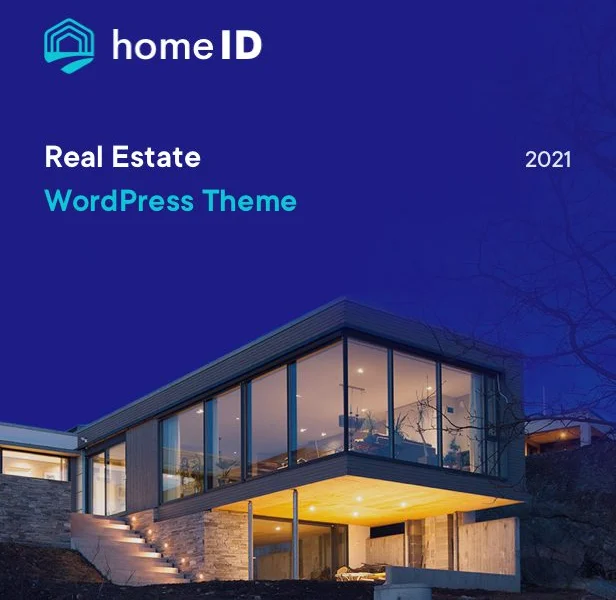
HomeID v1.9.1 Official Real Estate WordPress Theme Overview
HomeID is a WordPress theme handcrafted for real estate businesses. It elegantly showcases property information to website visitors and provides great convenience for real estate business owners by simplifying property management processes. The HomeID Real Estate WordPress Theme is regularly updated and well-maintained, offering purpose-driven design with all the useful features needed for a real estate website.
Whether you are a real estate agent, a property rental company, or a property management firm, HomeID helps you quickly build a professional and attractive online property showcase platform. Its intuitive interface and powerful backend management features allow you to easily publish property listings, manage appointments, and handle client inquiries.
Through more WordPress theme resources, you can find other solutions suitable for your business.
Core Features of the HomeID Theme
The HomeID Real Estate WordPress Theme includes a wealth of features specifically designed to meet the needs of real estate websites:
- Advanced Property Search & Filtering: Supports multi-condition searches by price, area, location, type, etc.
- Property Listings & Detail Pages: Beautiful image galleries, virtual tours, and map integration.
- Agent & Broker Module: Displays team information to enhance trust.
- Appointment Scheduling & Contact Forms: Built-in form system for easy client inquiries.
- Multi-language & Multi-currency Support: Suitable for international business.
- Responsive Design: Perfectly adapts to mobile phones, tablets, and desktop devices.
Why Choose the HomeID Theme?
Among many real estate WordPress themes, HomeID stands out because it combines elegant design with practical functionality. The theme is SEO-optimized, helping to improve your website's ranking in search engines. Additionally, regular updates ensure compatibility with the latest WordPress versions and fix potential security vulnerabilities.
HomeID also provides comprehensive documentation and a professional support team, making it easy even for beginners to get started. You can learn more from the official page.
Installing and Configuring the HomeID Theme
Installing the HomeID Real Estate WordPress Theme
Installing the HomeID theme is very simple: In the WordPress admin panel, go to "Appearance" > "Themes", click "Add New", upload the theme ZIP file, and activate it. After activation, you can quickly set up a website prototype by importing demo data.
Configuring Property Listings and Pages
Using the custom post types and page templates provided by HomeID, you can easily create property listings, agent pages, and more. The theme also supports popular page builders like Elementor, allowing you to customize the layout conveniently.
Frequently Asked Questions
Is the HomeID theme regularly updated?
Yes, the HomeID theme is regularly updated to maintain compatibility with the latest WordPress version, add new features, and fix known issues. Please refer to the official documentation for specific update frequency.
Does the HomeID theme support Chinese localization?
The HomeID theme supports multiple languages. You can localize it using the Loco Translate plugin or by directly editing language files. The official .pot file is provided for easy translation.
Which plugins are compatible with the HomeID theme?
HomeID is compatible with most mainstream WordPress plugins, such as Yoast SEO, Elementor, Contact Form 7, etc. If you encounter issues with a specific plugin, it is recommended to consult the official documentation or contact support.
What scenarios is the HomeID theme suitable for?
HomeID is suitable for real estate agency websites, property management companies, property rental platforms, new property project showcases, and any scenario requiring property information display.
How can I get installation help for the HomeID theme?
If you encounter problems during installation, you can refer to the theme's built-in documentation or visit the official support forum. Please refer to the official documentation for details.


Comments (1)