
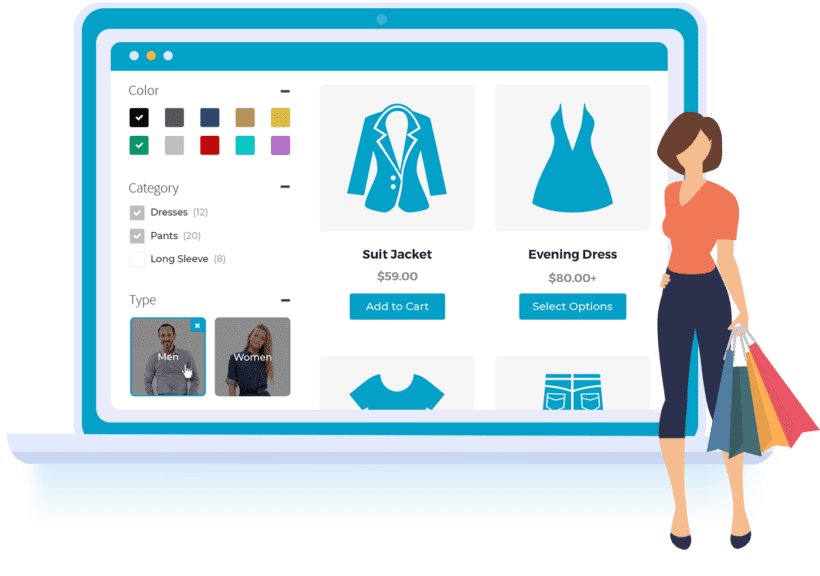
WooCommerce Product Filters is a powerful plugin developed by Barn2 Media, designed to help customers instantly filter products by price, category, attributes, color, stock status, and more, enhancing the shopping experience. This article details the plugin's features, installation methods, and common issues.
Core Features of WooCommerce Product Filters Plugin
The WooCommerce Product Filters plugin allows you to add advanced filtering options to your store, supporting filtering by price range, categories, attributes (such as size and color), tags, custom taxonomies, and more. The plugin uses Ajax technology to update filter results instantly without refreshing the page, enabling customers to quickly find their desired products.
Key Features
- Supports multiple filter types: dropdown menus, checkboxes, sliders, color swatches, etc.
- Fully customizable: control which filter conditions are displayed and their order
- Compatible with most WooCommerce themes
- No coding required, visual setup
For more WordPress resources, visit our resource site.
WooCommerce Product Filters Installation and Usage Guide
Installing WooCommerce Product Filters is straightforward: upload the plugin package, activate it, and it's ready to use. This version v2.1.1 is already activated, requiring no additional steps. You can configure filter conditions in the backend under "WooCommerce > Product Filters."
Official documentation provides detailed configuration guidance; please refer to the Barn2 official page.
Frequently Asked Questions
How to install the WooCommerce Product Filters plugin?
In the WordPress backend, go to "Plugins > Add New," upload the plugin ZIP file, and activate it. This version is already activated, requiring no additional setup.
What filter types does WooCommerce Product Filters support?
It supports filtering by price, categories, attributes (color, size, etc.), stock status, tags, and more. For specifics, refer to the official documentation.
Is this plugin compatible with the latest WooCommerce version?
The plugin is regularly updated to ensure compatibility with the latest WooCommerce version; using the latest version is recommended. For compatibility issues, consult official support.
Is the plugin localized?
This version is localized, with the interface translated into Chinese for the convenience of domestic users.
How often is the plugin updated?
Barn2 releases regular updates to fix issues and add new features; it's advisable to monitor the official changelog.

Comments (0)