
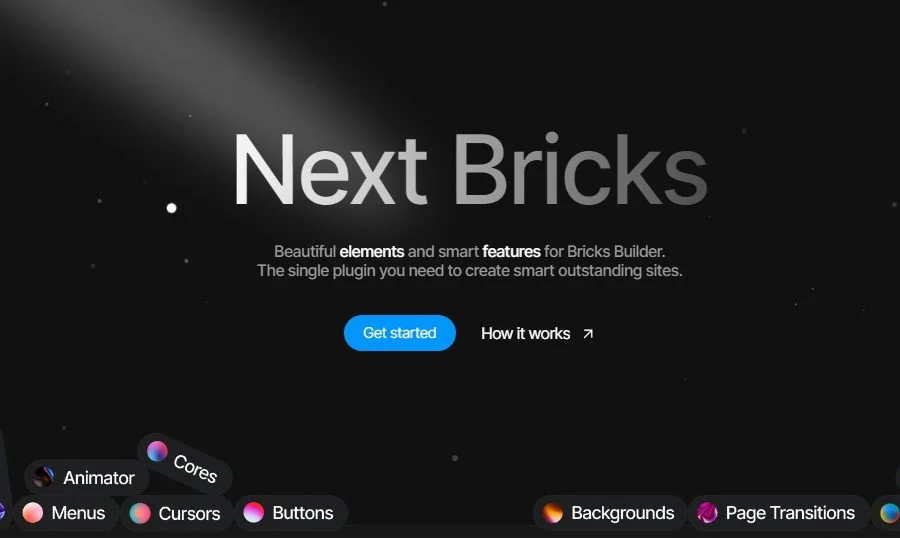
Next Bricks WordPress Page Builder Plugin: The Ultimate No-Code Website Building Solution
Next Bricks (formerly Brickscore) is a feature-enhancing WordPress page builder plugin designed specifically for Bricks Builder. It integrates a beautiful element library with intelligent design tools, allowing you to create outstanding smart websites with just one plugin. Whether you're a beginner or an experienced developer, Next Bricks can significantly boost your page building efficiency and design freedom.
Core Features and Advantages of Next Bricks
As a professional WordPress page builder plugin, Next Bricks offers the following core capabilities:
- Intuitive Drag-and-Drop Page Building: Create complex page layouts through a visual drag-and-drop interface without writing any code, greatly lowering the barrier to website building.
- Comprehensive Design Control: Built-in rich design options covering colors, fonts, spacing, borders, and more, giving you full control over your page's visual style.
- Fast Loading and Performance Optimization: The plugin is performance-optimized to ensure fast website response times while also benefiting search engine optimization (SEO).
- Integrated Elements and Template Library: Provides a large collection of pre-designed elements and templates, including headers, footers, blog layouts, and more, helping you quickly build diverse pages.
- Responsive Design Support: Ensures a consistent user experience across desktop, tablet, and mobile devices.
- Advanced Feature Extensions: Supports animations, form integrations, and other extended features to meet more complex website functionality needs.
If you're looking for more high-quality WordPress resources, visit BobHello Resource Site for a rich collection of themes and plugins.
Use Cases for the Next Bricks WordPress Page Builder Plugin
Next Bricks is suitable for all types of WordPress website building needs: corporate website development, personal portfolio showcases, e-commerce page design, blog layout customization, and more. Its powerful template system and design control capabilities allow you to quickly deliver professional-grade websites without relying on external development teams.
Installation and Usage Guide
Installing the Next Bricks plugin is very simple: go to the "Plugins" page in your WordPress admin, upload the plugin ZIP file, and activate it. Once activated, you can directly access all elements and templates provided by Next Bricks in the Bricks Builder editor. It's recommended to verify plugin compatibility with your current theme and other plugins in a testing environment before going live.
For more product information, visit the Next Bricks official website.
Frequently Asked Questions
How do I install the Next Bricks plugin?
In your WordPress admin, click "Plugins" → "Add New" → "Upload Plugin," select the Next Bricks ZIP file, upload it, and activate. Once activated, you can use it in Bricks Builder. For detailed steps, please refer to the official documentation.
What use cases does Next Bricks support?
It's suitable for corporate websites, personal blogs, portfolios, e-commerce pages, and all types of WordPress website building scenarios. Its drag-and-drop building and rich template library can greatly improve page design efficiency.
Is Next Bricks compatible with the Bricks Builder theme?
Next Bricks is designed specifically for Bricks Builder, and the two are perfectly compatible. It's also recommended to check compatibility with other installed plugins to avoid feature conflicts. For specific compatibility information, please refer to the official documentation.
How often is the Next Bricks plugin updated?
The Next Bricks team releases regular updates to fix issues and add new features. It's recommended to keep the plugin up to date for optimal performance and security. For specific changelog details, please refer to the official documentation.


Comments (0)