
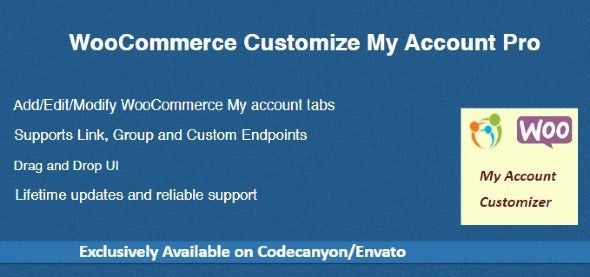
WooCommerce Customize My Account Pro is a powerful WordPress plugin designed to optimize the "My Account" page of WooCommerce stores. With this WooCommerce Customize My Account Pro plugin, you can easily customize the default account page, including reordering, hiding, or modifying existing core endpoints, and even adding custom links, groups, and content endpoints to enhance user experience and site management efficiency.
WooCommerce Customize My Account Pro Core Features
This WooCommerce Customize My Account Pro plugin offers rich features that give you full control over the account page layout:
- Add/delete/modify existing endpoints
- Support for custom links, groups, and custom content endpoints
- Easily reorder endpoints in the backend using a drag-and-drop UI
- Easily hide core endpoints by unchecking checkboxes
- Make endpoints visible to specific roles
These features make WooCommerce Customize My Account Pro an essential tool for any WooCommerce store, especially for sites that need a personalized account page.
Installation and Usage Guide
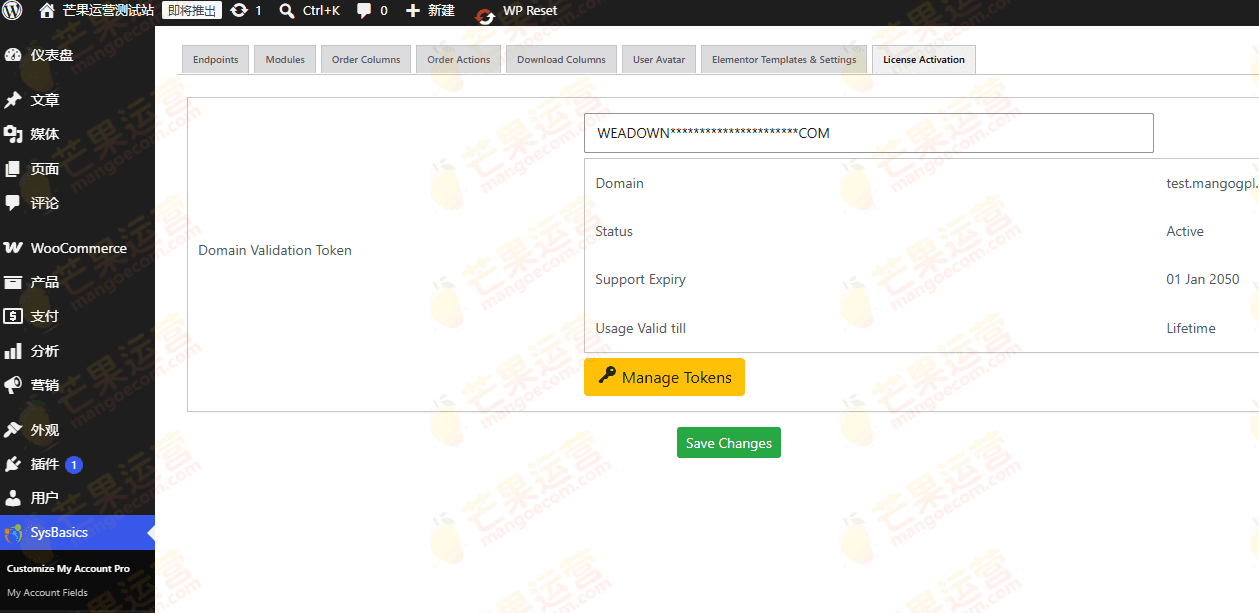
Installing WooCommerce Customize My Account Pro is very simple. After downloading the plugin, install and activate it via the plugin upload function in the WordPress backend. This version v4.4.0 has been tested and is ready to use immediately after activation, with no additional configuration required. You can find the "Customize My Account" option in WooCommerce settings to start customizing your account page.
If you need more tips on optimizing your WooCommerce store, check out our related guide.
Why Choose WooCommerce Customize My Account Pro?
Compared to other account page customization plugins, WooCommerce Customize My Account Pro offers unparalleled flexibility and ease of use. Its drag-and-drop interface allows non-technical users to easily manage endpoints, while the role visibility feature lets you display different content for different user groups. Additionally, the plugin is regularly updated to ensure compatibility with the latest version of WooCommerce. You can view details on the official page: Official Link.
Frequently Asked Questions
How to install WooCommerce Customize My Account Pro?
After downloading the plugin ZIP file, log in to the WordPress backend, go to "Plugins" -> "Add New Plugin", click "Upload Plugin", select the file, install it, and then activate it.
What use cases does WooCommerce Customize My Account Pro support?
It is suitable for any store that needs to customize the WooCommerce "My Account" page, such as adding member-exclusive areas, hiding unnecessary endpoints, or displaying different menus for different roles.
Is WooCommerce Customize My Account Pro compatible with the latest version of WooCommerce?
Yes, the plugin is regularly updated to maintain compatibility. Please refer to the official documentation or plugin changelog for details.
Is there a Chinese version of WooCommerce Customize My Account Pro?
This version is a localized Chinese version and includes a Chinese language pack, so the interface will display in Chinese after installation.
How often is WooCommerce Customize My Account Pro updated?
The developer releases new versions regularly based on WooCommerce updates and user feedback. It is recommended to enable automatic updates to get the latest features and security patches.


Comments (0)