
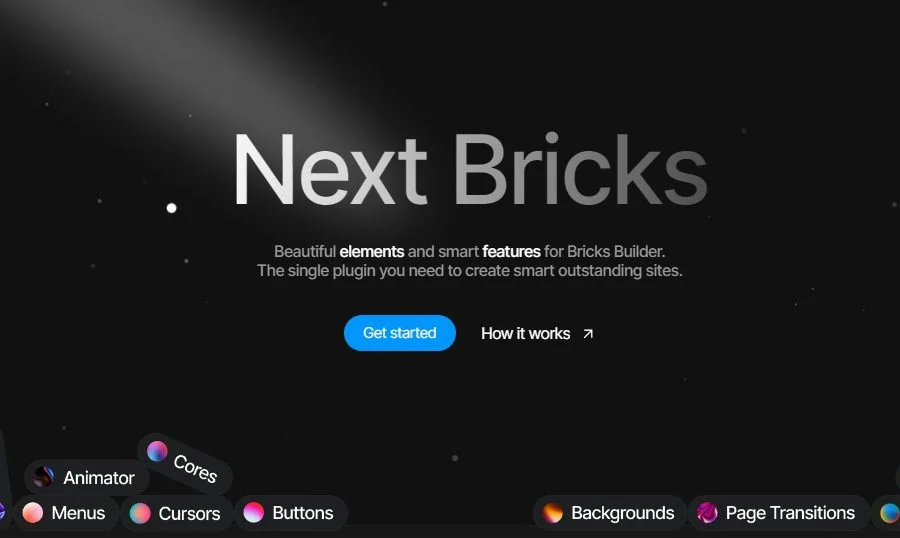
Next Bricks v3.0.3: A Professional WordPress Page Builder Plugin
Next Bricks (formerly known as Brickscore) is a WordPress page builder plugin designed specifically for Bricks Builder. It integrates beautiful elements and smart features, allowing you to create outstanding intelligent websites with just one plugin. If you are looking for a tool that can significantly enhance your Bricks theme design capabilities, Next Bricks is undoubtedly a choice worth considering. Through its intuitive drag-and-drop interface and rich design control options, it helps users quickly build highly customized professional pages without writing any code.
Next Bricks Core Features and Advantages
As a powerful supplement to Bricks Builder, Next Bricks offers the following key features that make it the top choice for many designers and site owners:
- Intuitive Drag-and-Drop Page Building: No programming knowledge required. Create complex page layouts in WordPress by simply dragging and dropping, greatly lowering the barrier to website building.
- Comprehensive Design Controls: The plugin provides meticulous design options covering colors, fonts, spacing, borders, and more, allowing you to fully customize every detail of your pages for true pixel-level control.
- Fast Loading and Performance Optimization: Next Bricks was developed with performance in mind, ensuring fast front-end loading that helps improve user experience and search engine optimization (SEO).
- Integrated Elements and Template Library: Comes with a large collection of pre-designed elements and templates, including headers, footers, blog layouts, hero blocks, and more, making it easy to quickly build diverse page structures.
- Responsive Design Support: All elements and layouts support responsive design, ensuring your website delivers consistent and excellent visuals across desktop, tablet, and mobile devices.
- Advanced Feature Extensions: Offers a rich set of extended features and integration options, such as animations, form integrations, dynamic data, and more, helping you meet more complex website functionality requirements.
Overall, Next Bricks is a powerful and easy-to-use WordPress page building solution, particularly suitable for users who want to create professional websites without writing code. If you are interested in the Bricks ecosystem, you can check out Bricks-related resources and tutorials for more information.
Next Bricks Installation and Usage Guide
Installing Next Bricks is very simple. You just need to upload the plugin ZIP package on the plugin upload page in the WordPress admin panel, and it's ready to use once activated. According to testing, Next Bricks v2.3.1 is automatically activated after installation and activation, with no additional authorization steps required. For v3.0.3, the process is similar; please refer to the official documentation for details.
After activating the plugin, you will find new elements and settings panels in the Bricks Builder editor. Simply drag and drop these elements onto the canvas and adjust them using the style options on the right side to quickly build pages. It is recommended to first browse the plugin's built-in template library, import a suitable template as a starting point, and then make personalized modifications.
For more advanced usage tips or official support, visit the Next Bricks official website.
Frequently Asked Questions
What theme does Next Bricks need to work with?
Next Bricks is an extension plugin designed specifically for Bricks Builder, so you need to install and activate the Bricks theme or Bricks Builder plugin first. It cannot run independently of Bricks.
How do I install the Next Bricks plugin?
In the WordPress admin panel, go to "Plugins" -> "Add New" -> "Upload Plugin," select the downloaded ZIP file, upload it, and activate it. If you already have an activated version, no additional steps are usually needed after activation.
Is Next Bricks compatible with the latest WordPress version?
Next Bricks is regularly updated to maintain compatibility with the latest WordPress and Bricks Builder versions. It is recommended to use the latest version for the best experience. For specific compatibility information, please refer to the official documentation.
How often is Next Bricks updated?
The development team regularly releases new versions based on Bricks updates and user feedback, fixing issues and adding new features. You can access the changelog through official channels.
What page building features does Next Bricks support?
It supports drag-and-drop layouts, global style settings, responsive controls, animation effects, form integrations, and more. For a detailed feature list, please refer to the official documentation or the instructions within the plugin.

