

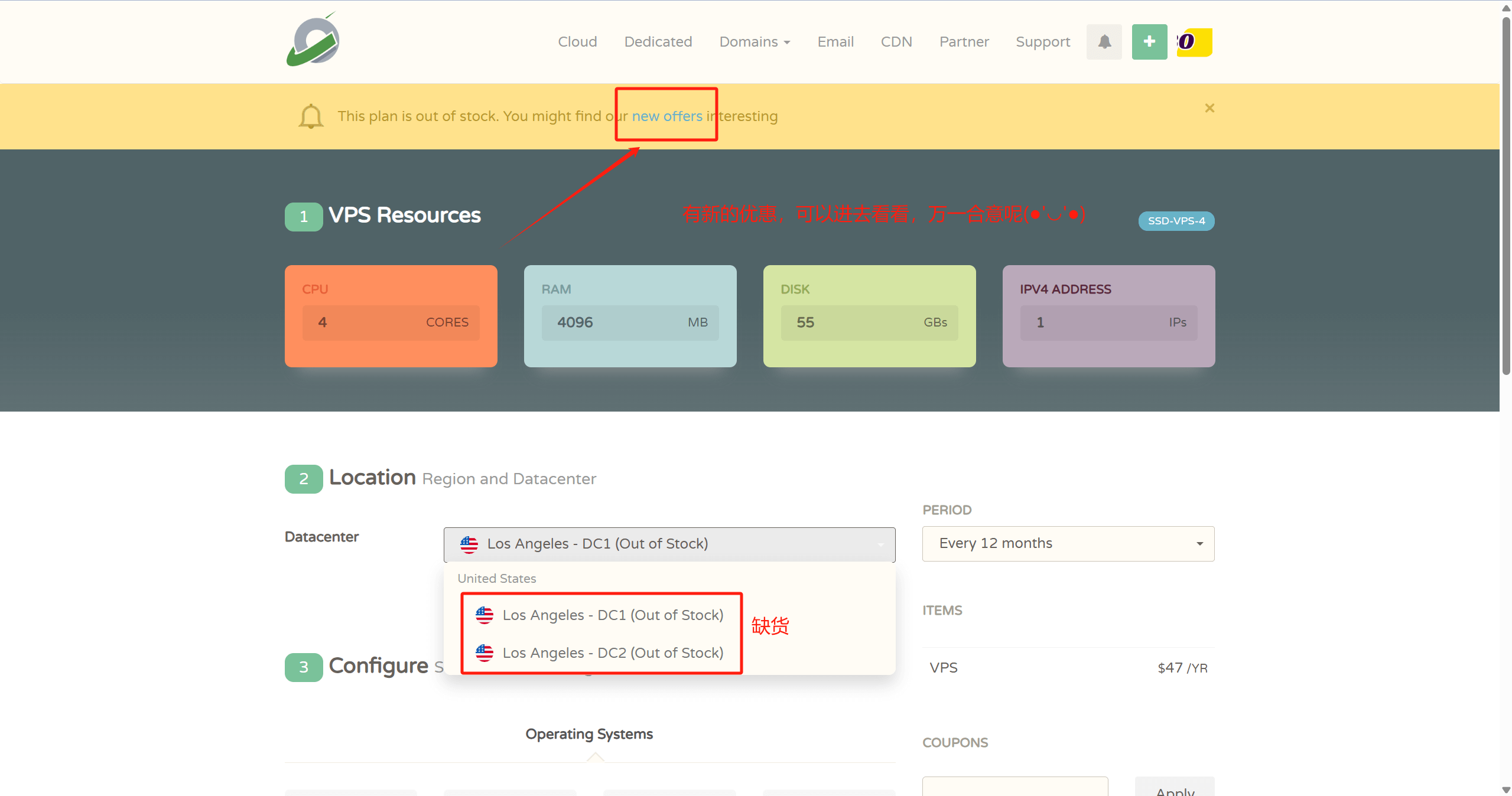
1. Purchase a VPS.
- 👉CloudCone Official Website: www.cloudcone.com👈 (High cost-performance, supports Alipay, uses Intel E5 processor and SSD storage, fully sufficient for running a website.)
Note: If you have a Visa credit card or PayPal, you can also choose Hostinger or Contabo. They offer better value: first, the processors are newer, using the recently launched AMD EPYC processors with strong computing power; second, they use NVMe SSD storage for faster read/write speeds; third, after-sales support is quick. The downside is that they require Visa credit card or PayPal payment, or you can pay someone on Taobao to handle it for a fee.

- 👉Hostinger Official Website: www.hostinger.com (Enter through this link for an additional 20% discount)👈
♥️ Advantages: One of the top 3 cloud server providers globally, with undeniable strength. Surprisingly, at this price, you get high-performance AMD EPYC processors and faster read/write NVMe SSD storage, making web pages load faster. Overall performance is the absolute best in its price range!
♥️ Disadvantages: Only supports Visa credit card and PayPal payments
♥️ For website setup process, refer to this article: Hostinger Website Building Tutorial.
2. Purchase a Domain Name
- Regarding pricing, top-level domains like .com and .net are slightly more expensive, around 70 per year, while domains like .top and .xyz are cheaper, around 20 per year.
3. Resolve the Domain Name
- It is recommended to use CloudFlare for resolution, as it offers fast resolution, a global CDN, and greater stability.
4. Download an SSH Client to Connect to the VPS, Xshell Official Download Link
- After connecting to the VPS, use the following command to upgrade it:
apt update -y && apt upgrade -y- Install the Baota Panel, Official Website, the installation command for Ubuntu/Debian is as follows:
wget -O install.sh https://download.bt.cn/install/install-ubuntu_6.0.sh && sudo bash install.sh ed8484becI won't go into the detailed steps for the first four steps today; you can watch this video directly
5. Log in to Baota
- Add a website and apply for an SSL certificate
- Upload the game website source code, download from the sidebar
How to Make Money with a Game Website?
There are countless ways to make money with games; here are a few simple ones:
- If you have a professional marketing team, you can advertise and promote early on, and once traffic picks up, you can monetize with in-game purchases.
- If you're going solo, don't worry. While big money may be hard to come by, small earnings are definitely achievable. You can place ads on the website to earn ad revenue. Don't underestimate this income; ad revenue is often the main source of income for large websites.
Disclaimer: All articles on this site, such as no special instructions or labeling, are the site's original release. Any individual or organization, without the consent of this site, prohibit copying, stealing, collecting, publishing the content of this site to any website, books and other types of media platforms. If the content of this site violates the legal rights and interests of the original author, you can contact us to deal with.


Comments (8)
I can't download it.
Contact Customer Service on the right
There's no way to download it.
Downloadable
Already bought it, watched a video that said there are over a hundred game packs, where do I download them?
It's in the sidebar.
How to download
How to download