

1. Purchase a VPS:
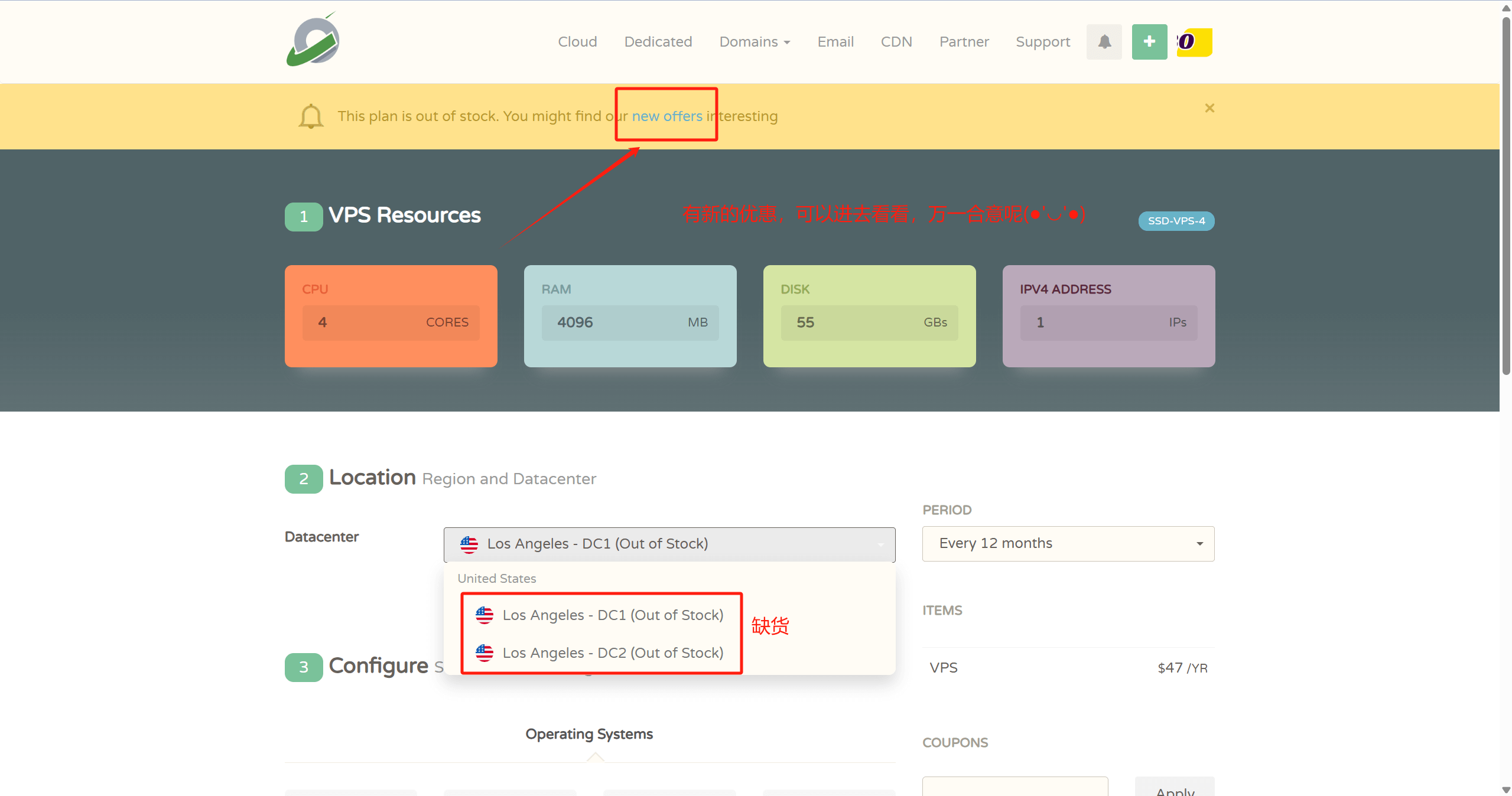
- 👉CloudCone Official Website: www.cloudcone.com👈 (Cost-effective, supports Alipay, uses Intel E5 processor CPU, SSD solid-state drive, fully sufficient for running a website.)
Note: If you have a Visa credit card or PayPal, you can also choose Hostinger or Contabo. They offer better value for money. First, the processor is newer, using the recently launched AMD EPYC processor with strong computing power. Second, the hard drive uses NVMe SSD for faster read/write speeds. Third, after-sales support is quick. The downside is that payment requires a Visa credit card or PayPal, or you can pay someone on Taobao to do it for you.

- 👉Hostinger Official Website: www.hostinger.com (Enter through this link for an additional 20% discount) 👈
♥️ Advantages: One of the top 3 cloud server providers globally, its strength speaks for itself. Surprisingly, at such a price, you can still use high-performance AMD EPYC processors and NVMe SSD storage with faster read/write speeds, making web pages load faster. Overall performance is absolutely the best in its price range!
♥️ Disadvantages: Only supports Visa credit card and PayPal payments
♥️ Website building process reference: Hostinger website building tutorial.
2. Register a domain name, Namesilo Official Website
3. Resolve the domain name, Cloudflare Official Website
4. Download an SSH and SFTP/FTP client to connect to our VPS, Xshell Official Website Download
- Update the VPS system (Ubuntu):
apt-get updateCommand to upgrade packages, refresh the list of installable software (but does not perform any actual installation actions)apt-get upgradePerforms package updates (software version upgrades)
- Install the Baota panel, Official Website
Ubuntu/Debian Installation Script
wget -O install.sh https://download.bt.cn/install/install-ubuntu_6.0.sh && sudo bash install.sh ed8484bec
5. Server Optimization and Speed Boost
I tested this during peak evening hours. Compared to the BBRv1 version 6.1, the improvement is significant. It's similar to previously experiencing severe QOS; after upgrading to BBRv3, the QOS situation has eased.
6. Server Automatic Defense. Protect cloud server and website security, integrate with NGINX sites, and prevent brute force attacks!
Fail2Ban is a widely used tool for detecting malicious login attempts and other abnormal activities, automatically blocking the attacker's IP address. You can configure it to detect excessive connection requests and then temporarily block access from malicious IP addresses.
7. Install WordPress, Official Download Link


Comments (0)