
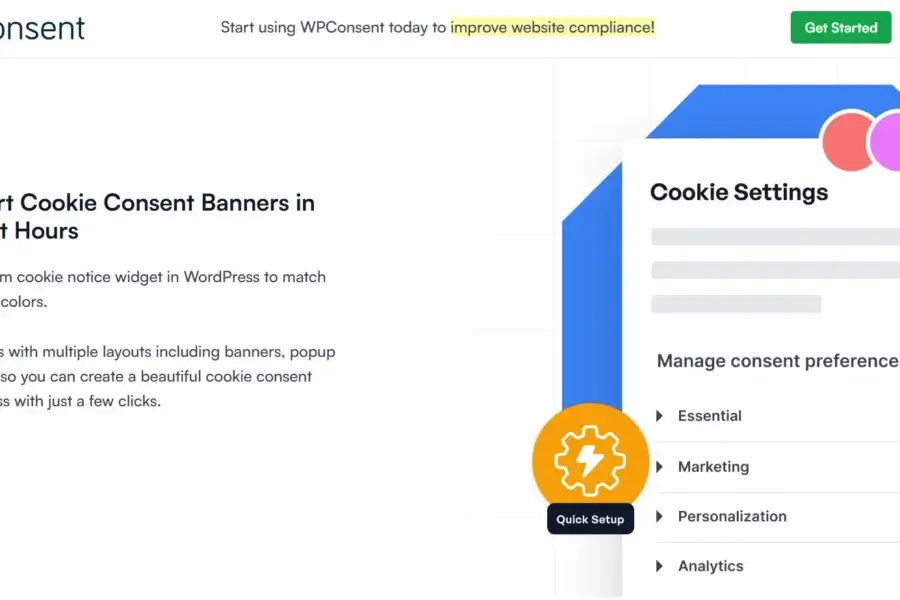
WPConsent Pro v1.1.3 is a privacy compliance plugin designed specifically for WordPress websites, helping site owners easily add GDPR/CCPA cookie consent banners. As an efficient tool, the WPConsent plugin allows you to customize banner styles to match your website's branding and flexibly configure display behaviors, making it an essential choice for enhancing website privacy compliance.
In today's increasingly strict data privacy regulations, adding a cookie consent mechanism to your website has become a crucial responsibility for operators. WPConsent Pro offers an intuitive interface and powerful features, enabling you to quickly deploy compliant banners without writing any code. The official version supports multiple languages, while the localized version further lowers the barrier for Chinese users.
Core Features of WPConsent Pro
The WPConsent Pro plugin integrates a variety of practical features, including but not limited to:
- One-click addition of GDPR/CCPA cookie consent banners
- Customizable banner colors, positions, and content
- Support for categorized management of cookie preferences
- Logging functionality to track user consent status
- Compatibility with mainstream WordPress themes and page builders
These features make WPConsent an efficient solution for achieving website privacy compliance. With simple settings, you can meet legal requirements in different regions while enhancing user trust.
How to Install and Configure WPConsent Pro
Installing the WPConsent Pro plugin is very straightforward. You can upload the plugin package via the WordPress backend plugin installation feature, or directly extract it to the wp-content/plugins directory. After activation, find the WPConsent option in the settings menu to start configuring the banner. It is recommended that you first read the relevant guide to understand best practices. Additionally, you can visit the official page for more information.
Compatibility of WPConsent Pro
This plugin is compatible with most modern WordPress themes and caching plugins, ensuring it works without affecting website performance. If you use page builders like Elementor or Divi, WPConsent integrates seamlessly as well.
Advantages and Use Cases of WPConsent Pro
WPConsent Pro is suitable for any WordPress website that handles user data, especially those targeting users in the EU or California. Its advantages lie in being lightweight, easy to customize, and offering premium features exclusive to the professional version, such as consent logging and categorized management. For site owners pursuing privacy compliance, this is a tool worth investing in.
In summary, the WPConsent Pro v1.1.3 localized version provides a convenient privacy compliance solution for Chinese users. Through this article, you have learned about its core features and installation methods. Start using it now to bring your website in line with international privacy standards.
Frequently Asked Questions
How to install WPConsent Pro?
You can upload the plugin package via the WordPress plugin upload feature, or manually extract it to the wp-content/plugins directory, then activate it in the backend.
What use cases does WPConsent Pro support?
It is suitable for any WordPress website that requires a cookie consent mechanism, especially those under GDPR/CCPA jurisdictions, such as e-commerce sites, blogs, and corporate websites.
Is WPConsent Pro compatible with other plugins?
Yes, it is compatible with most mainstream WordPress themes and caching plugins, but please refer to the official documentation for confirmation.
Is there a localized version of WPConsent Pro?
The version introduced in this article includes localization for the convenience of Chinese users. The official version also supports multiple languages, but the localized version better meets local needs.
How often is WPConsent Pro updated?
The plugin is regularly updated to keep pace with WordPress versions and legal requirements; please follow the official release notes for details.


Comments (0)