
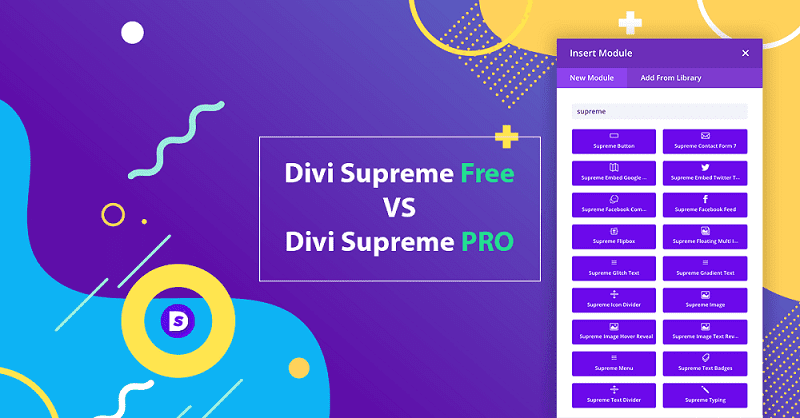
Divi Supreme Pro is a WordPress plugin designed specifically for the Divi theme, significantly enhancing Divi's functionality and flexibility by adding 41 custom modules and 5 extensions. Whether you are a developer or a designer, Divi Supreme Pro helps you build stunning websites. This plugin is fully compatible with the Divi theme and offers a localized version for Chinese users.
Key Features of Divi Supreme Pro
Divi Supreme Pro provides a rich set of modules and extensions, including: Gradient Text, Facebook Like Button, Contact Form 7, Morphing Text, Image Text Display, Pricing Table, Business Hours, Dynamic Gradient Text, Card Carousel, Text Rotator, Flip Box, Facebook Embed, Google Maps Embed, Icon Divider, Typewriter Effect, Shuffle Letters, Icon List, Masked Text, Shapes, Text Splitter, Facebook Comments, Text Badge, Floating Multi-Image, Star Rating, Image Carousel, Dual Headings, Scrolling Image, Supreme Button, Supreme Image, Facebook Embed, Twitter Timeline, Menu, Image Hover Display, Tilted Image, Caldera Forms, Image Hotspot, Cards, and more. These modules allow you to create dynamic and interactive websites without coding.
Why Choose Divi Supreme Pro?
Divi Supreme Pro is the ultimate tool for Divi users. It not only extends Divi's default capabilities but also offers many advanced modules, such as Dynamic Gradient Text and Star Rating, which are not available in the default Divi. Additionally, the plugin is regularly updated to ensure compatibility with the latest versions of Divi and WordPress. If you want to enhance your website's professionalism and user experience, Divi Supreme Pro is your ideal choice.
Installation and Usage of Divi Supreme Pro
Installing Divi Supreme Pro is simple: download the plugin ZIP file, upload and activate it via the "Plugins" menu in the WordPress admin panel. No need to install the Lite version; use all features of the Pro version directly. This plugin has been localized, but some text may still be in English, which you can translate as needed.
Official purchase link: Divi Supreme Official Website
Frequently Asked Questions
How to install Divi Supreme Pro?
After downloading the plugin ZIP file, go to "Plugins" -> "Add New" in the WordPress admin panel, click "Upload Plugin," select the file, install, and then activate it.
Which versions of Divi is Divi Supreme Pro compatible with?
Divi Supreme Pro is typically compatible with the latest version of the Divi theme. For specific compatibility, refer to the official documentation or plugin changelog.
Is there a localized version of Divi Supreme Pro?
The version provided on this site has been localized, but some text may not be fully translated. You can also use plugins like Loco Translate to translate it yourself.
How often is Divi Supreme Pro updated?
The plugin is regularly updated to fix bugs and add new features. It is recommended to follow the official release page for the latest version.
Does Divi Supreme Pro require other plugins?
No, Divi Supreme Pro operates independently, but some modules (such as Contact Form 7) may require corresponding plugins to function properly.

