
In-Depth Analysis of the WPLoyalty WooCommerce Loyalty Points, Rewards, and Referral Plugin
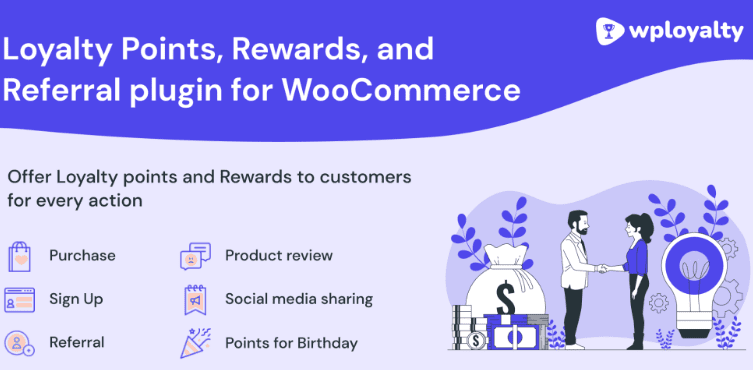
WPLoyalty is a loyalty points, rewards, and referral plugin built specifically for WooCommerce, helping merchants build long-term, stable relationships with customers while boosting repeat purchase rates and brand loyalty. Through flexible point rules, tier systems, and referral mechanisms, the WPLoyalty WordPress plugin lets you easily launch a professional loyalty program and create a better customer experience. Whether you run a small independent store or a large multilingual marketplace, WPLoyalty offers a scalable solution.
WPLoyalty Core Features at a Glance
Tier and Point Expiration Mechanisms
Use the tier/level system to gamify your loyalty program, giving high-value customers exclusive rewards and special benefits as they level up. The point expiration feature creates a sense of urgency, motivating customers to redeem before their points expire and effectively boosting engagement.
Rewards Panel Widget and Multilingual Support
The chat-window-style rewards panel widget lets shoppers easily discover loyalty campaigns and quickly redeem rewards. For multilingual stores, WPLoyalty supports mainstream multilingual plugins such as WPML, enabling localization of your rewards program. On the multi-currency front, the plugin integrates seamlessly with several popular multi-currency plugins for WooCommerce.
Return Rewards, Email Notifications, and Data Import/Export
Allow customers to return rewards and reclaim points. When customers earn points or their points are about to expire, the system automatically sends email notifications. If you are migrating from another loyalty platform, you can easily import and export customers and their point balances via CSV files. For more detailed features, refer to the WPLoyalty official page.
If you are looking for more high-quality WordPress resources, visit BoboHello Resource Site to find related plugins and themes.
WPLoyalty Installation and Usage Guide
WPLoyalty v1.4.8 has been tested and works right out of the box after installation and activation, with no additional activation steps required. Upload the plugin ZIP file to your WordPress admin, activate it, and then follow the wizard to configure point rules, reward methods, and referral programs. The plugin itself does not include a Chinese language pack; you can localize it through the WordPress translation system or third-party tools. Please refer to the official documentation for details.
Frequently Asked Questions
How do I install WPLoyalty?
In your WordPress admin, go to "Plugins" -> "Add New" -> "Upload Plugin," select the WPLoyalty ZIP file, and activate it. After activation, follow the setup wizard to configure points, rewards, and referral rules. Please refer to the official documentation for details.
What use cases does WPLoyalty support?
It is suitable for loyalty points programs, membership tiers, referral rewards, point redemption, and return-for-points scenarios in WooCommerce stores, helping improve customer retention and repeat purchases.
Is WPLoyalty compatible with multiple languages and currencies?
Yes, WPLoyalty supports mainstream multilingual plugins such as WPML and integrates with several multi-currency plugins for WooCommerce. Please refer to the official documentation for the specific compatibility list.
How often is WPLoyalty updated?
WPLoyalty is continuously maintained by the official team, with regular feature updates and security patches. We recommend following official channels for the latest version information.

