
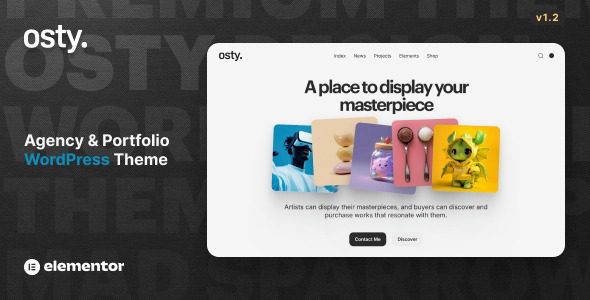
Osty is a powerful creative agency and portfolio theme designed to fully leverage the full-site editing capabilities of WordPress while seamlessly integrating with the Elementor plugin. As a professional Osty WordPress theme, it gives you complete control over colors, fonts, and layouts to build pages that match your creative vision. Whether you're creating a simple portfolio or a complex agency website, Osty makes it easy with an intuitive drag-and-drop experience.
Core Features of the Osty WordPress Theme
Osty is fully compatible with Elementor, offering unparalleled design flexibility. You can customize every detail effortlessly using the drag-and-drop editor without writing any code. Advanced settings grant you the creative freedom to build your ideal website exactly as you envision—no limits, only creativity.
Unique Advantages of the Osty Theme
This theme is not only ideal for creative agencies but also suits photographers, designers, and freelancers. It comes with a variety of pre-built templates to help you kickstart your projects quickly. Additionally, Osty supports WooCommerce, making it easy to sell your work online.
Why Choose the Osty Creative Agency Theme?
Among many WordPress themes, Osty stands out with its deep support for full-site editing. You can directly modify headers, footers, and global styles in the site editor to maintain brand consistency. For users seeking unique designs, explore more WordPress theme recommendations to expand your options.
Osty Theme Compatibility and Performance
Osty is optimized for fast loading speeds and is compatible with major browsers. It supports RTL languages, making it suitable for multilingual websites. The theme code adheres to WordPress standards, ensuring security and stability. Official updates are regularly released to maintain compatibility with the latest WordPress version.
Frequently Asked Questions
How to Install the Osty Theme?
You can install the theme file via the WordPress admin panel by navigating to "Appearance" -> "Themes" -> "Upload," then activate it. For detailed instructions, please refer to the official documentation.
Can the Osty Theme Be Used with the Elementor Plugin?
Yes, Osty is specifically optimized for Elementor, allowing you to customize page layouts using Elementor's drag-and-drop builder.
Does the Osty Theme Support Multisite?
Yes, Osty is compatible with WordPress multisite networks, and you can use it independently on subsites.
Is There a Chinese Localization Version of the Osty Theme?
The theme itself supports internationalization. You can localize it using the Loco Translate plugin or by manually uploading .po/.mo files.
How Often Is the Osty Theme Updated?
The official team releases updates regularly based on WordPress updates and user feedback. It is recommended to enable automatic updates to access the latest features.


Comments (0)