
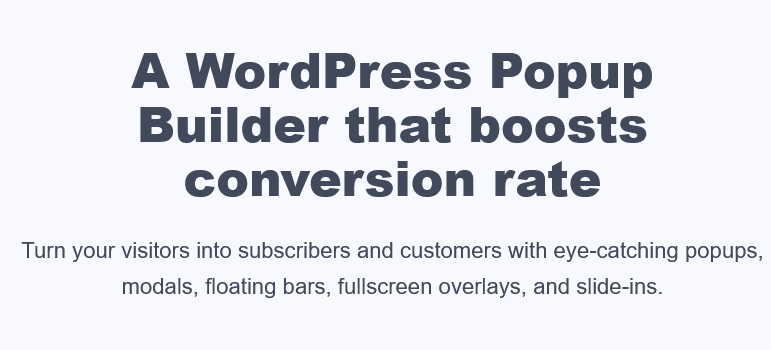
FireBox Pro is a powerful WordPress popup builder plugin designed to boost your website's conversion rates. With eye-catching popups, modals, floating bars, fullscreen overlays, and slide-ins, FireBox Pro helps you turn visitors into subscribers and customers. Whether you run an e-commerce store or a blog, this plugin can significantly enhance user engagement and conversions.
FireBox Pro is built on the new WordPress block editor, Gutenberg, delivering an unprecedented popup editing experience. You don't need to write a single line of code—simply use blocks to insert, arrange, and design your popups with ease. This means even users without a technical background can quickly create professional-grade popups.
Why Choose FireBox Pro WordPress Popup Builder Plugin?
FireBox Pro is more than just a popup plugin—it's a complete lead generation solution. Here are its core features:
- Template Library: Offers a wide range of high-quality, ready-to-use popup templates that let you launch campaigns in minutes.
- Multiple Popup Types: Supports popups, modals, floating bars, fullscreen overlays, and more to suit different marketing scenarios.
- Precise Targeting: Display relevant popups based on user behavior, device, page, and other conditions to improve relevance.
- Smart Triggers: Automatically trigger popups based on user actions such as time on page, scroll depth, and exit intent.
- Built-in Analytics: Track impressions, click-through rates, and conversions for each popup to optimize performance.
- Mobile-Friendly: 100% responsive design ensures perfect display on phones and tablets.
- Position Anywhere: Customize popup placement on the page—top, bottom, center, or side.
Through related resources, you can learn more tips for WordPress optimization.
What's New in FireBox Pro v3.1.9
The latest version of FireBox Pro introduces several improvements, including faster loading speeds, new templates, and enhanced compatibility. It fully supports WordPress 6.x and integrates seamlessly with popular page builders like Elementor and WPBakery. Additionally, performance optimizations ensure popups won't slow down your website.
How to Install and Set Up FireBox Pro?
Installing FireBox Pro is straightforward:
- Download the plugin file and upload it to the plugin installation page in your WordPress admin.
- After activating the plugin, you'll see a "FireBox" menu in your dashboard.
- Choose a template from the built-in template library, or start from scratch.
- Set trigger conditions and display rules, then save—it's ready to go.
For advanced users, you can further personalize popups with custom CSS and JavaScript. The official documentation provides detailed guidance, and you can also visit the official page for more information.
Frequently Asked Questions
What's the difference between FireBox Pro and the free version?
FireBox Pro includes premium templates, advanced targeting options, A/B testing capabilities, and priority technical support, while the free version has limited features. The Pro version is ideal for users who need advanced marketing functionality.
Is FireBox Pro compatible with Gutenberg and the Classic Editor?
Yes, FireBox Pro is designed for Gutenberg but also compatible with the Classic Editor. You can use it seamlessly in both editing environments.
How often is FireBox Pro updated?
The development team regularly releases updates to fix bugs, add new features, and ensure compatibility with the latest WordPress versions. We recommend keeping the plugin updated for the best experience.
What trigger conditions does FireBox Pro support?
It supports multiple trigger conditions including page load, scroll depth, exit intent, click, time delay, and more. You can freely combine them based on your marketing goals.

