
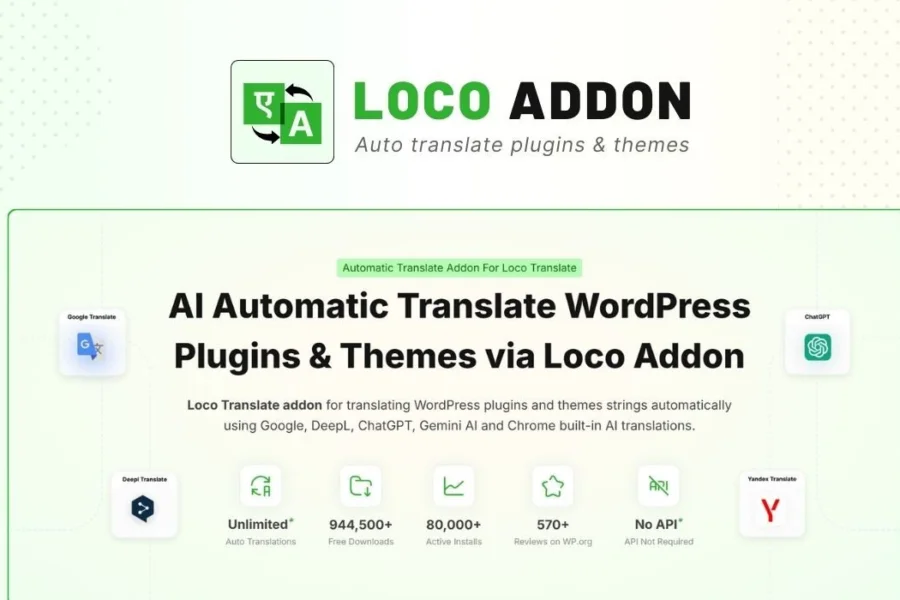
LocoAI v2.2.5 – Complete Guide to the Loco Translate Pro Automatic Translation Plugin
LocoAI v2.2.5 is a powerful extension for Loco Translate Pro, designed for WordPress site owners and developers to quickly and automatically translate WordPress themes and plugins. Formerly known as Automatic Translate Addon Pro, it has been rebranded as LocoAI and continues to offer smarter translation features. By integrating advanced automatic translation engines, LocoAI significantly boosts the efficiency of building multilingual websites, making it an essential tool for creating global WordPress sites.
If you're looking for an automatic translation solution that seamlessly integrates with Loco Translate Pro, LocoAI v2.2.5 is undoubtedly your ideal choice. It not only supports one-click batch translation but also retains original translation memory to ensure consistency. Whether you're a personal blogger or an enterprise developer, you'll benefit from it.
Additionally, you can refer to our WordPress Performance Optimization Guide to further improve your site's speed.
Detailed Core Features of LocoAI v2.2.5
Automatic Translation Engine
LocoAI integrates multiple translation service providers (such as Google Translate, DeepL, etc.). Users only need to configure an API key to enable one-click automatic translation. The system intelligently identifies untranslated strings and automatically fills in translations, significantly reducing manual effort.
Translation Memory and Consistency
The plugin stores translated strings and automatically applies previous translations when identical or similar text appears, ensuring consistent terminology across the entire website. This is especially important for large multilingual sites.
Batch Processing and Queue Management
Supports batch selection of multiple themes or plugins for translation and allows you to view translation progress in the background queue. Even when translating large amounts of content, it does not affect the frontend user experience.
How to Install and Configure LocoAI v2.2.5
Installing LocoAI v2.2.5 is very simple. First, ensure you have installed and activated the Loco Translate Pro plugin. Then, upload the LocoAI plugin zip file and enable it on the WordPress backend plugins page. No additional activation steps are needed; it's ready to use directly. To configure translation services, go to the "LocoAI" settings page and enter the API key for your chosen translation service.
The official plugin page provides detailed guidance. You can visit the WordPress Official Plugin Directory for more information.
LocoAI v2.2.5 Compatibility and Updates
This plugin is fully compatible with the latest versions of WordPress and Loco Translate Pro. The development team regularly releases updates to support new WordPress versions and fix potential issues. It is recommended that users enable automatic updates to always use the latest features.
Frequently Asked Questions
Does LocoAI v2.2.5 require Loco Translate Pro?
Yes, LocoAI is an extension for Loco Translate Pro. You must first install and activate Loco Translate Pro for it to work properly.
Which translation services does LocoAI support?
It supports Google Translate and DeepL by default. Users can add other services in the settings. Please refer to the official documentation for the full list of supported services.
Does LocoAI affect website speed?
No. The translation process runs asynchronously in the background and does not slow down frontend loading. Once translations are complete, the generated .po files are effectively cached.
How do I update the LocoAI plugin?
You can check for updates via the WordPress backend plugins page or enable automatic updates. It is recommended to back up translation files before updating.
Can LocoAI translate custom strings?
Yes. LocoAI scans all registered text domains, including custom strings in themes and plugins, and translates them uniformly.

