
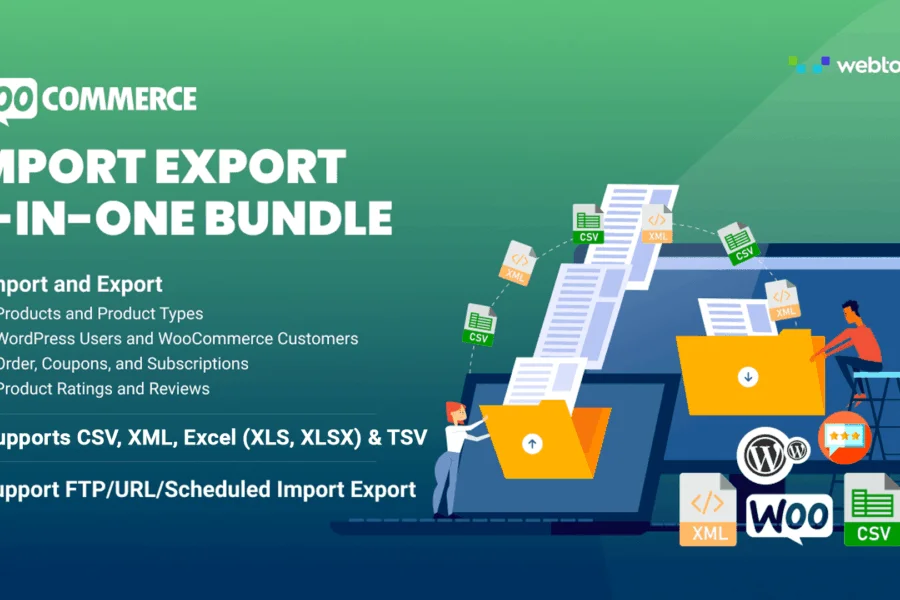
What is the All-in-one WooCommerce Import Export Suite bulk import/export plugin?
All-in-one WooCommerce Import Export Suite is an all-in-one data migration tool built specifically for WooCommerce stores, developed by WebToffee. It allows you to bulk import and export products, orders, customers, coupons, subscriptions, and reviews in seconds using CSV, XML, TSV, and Excel file formats. Whether you're migrating an entire store or regularly updating inventory data, this plugin can dramatically reduce the time cost of manual operations.
The plugin supports multiple product types, including simple products, variable products, grouped products, external/affiliate products, and custom products. For operators running e-commerce sites on WooCommerce, this is a WordPress plugin that can significantly boost work efficiency.
Core Features at a Glance: Why It's Worth Using
Multiple File Formats and Product Type Support
You can import and export data using CSV, XML, TSV, or Excel files. The plugin covers simple products, variable products, grouped products, external products, custom products, and subscription products, meeting virtually all WooCommerce product type migration needs.
FTP/URL/Scheduled Import and Export
The plugin includes multiple FTP profiles and scheduling options. You can set up automated scheduled tasks to perform unattended bulk data migration via FTP/SFTP or URL, making it ideal for stores that need to regularly sync inventory or orders.
Advanced Filters and Bulk Updates
Using advanced filters and export options, you can precisely select the data range to export. During import, you can also bulk edit or update existing data, such as bulk modifying prices, stock status, or categories.
ChatGPT Auto-Generated Product Descriptions
The plugin integrates the ChatGPT API, which can automatically generate product descriptions for items without descriptions during the import process, saving significant copywriting time.
Image and Custom Metadata Migration
Supports importing and exporting images, categories, tags, and custom metadata related to products, orders, coupons, and users, ensuring the completeness of data migration.
If you're looking for more high-quality WordPress plugins and theme resources, you can visit BoboHello Resource Site to find more useful tools.
Installation and Activation Tutorial
After installing the All-in-one WooCommerce Import Export Suite main plugin, the system will prompt you to install the corresponding addons. These addons are included in the installation package, and you need to upload and activate them based on your actual needs. For example, to import and export products, you need to install and activate the wt-import-export-for-woo-product addon; to handle orders, activate the corresponding order addon. All addons simply require uploading the ZIP file and activating it in the WordPress admin panel.
For official documentation and the latest version, refer to: WebToffee Official Product Page.
Frequently Asked Questions
How do I install All-in-one WooCommerce Import Export Suite?
In the WordPress admin panel, go to "Plugins" -> "Add New" -> "Upload Plugin," upload the main plugin ZIP file, and activate it. Then follow the prompts to upload and activate the required addons, such as the product import/export addon.
What file formats does this plugin support?
It supports CSV, XML, TSV, and Excel file formats. You can choose the appropriate format based on your data source or target system requirements.
Can I schedule automatic imports and exports?
Yes. The plugin supports setting up scheduled tasks via FTP/SFTP profiles to achieve automated scheduled import or export operations. For specific scheduling options, please refer to the official documentation.
Is it compatible with the latest version of WooCommerce?
WebToffee regularly updates the plugin to maintain compatibility with the latest version of WooCommerce. It's recommended to use the latest version of the plugin and verify in a testing environment first. For specific compatibility information, please refer to the official documentation.
Can product descriptions be automatically generated during import?
Yes. The plugin integrates the ChatGPT API, which can automatically generate product descriptions for items without descriptions during the import process. You need to configure your own ChatGPT API key.


Comments (0)