
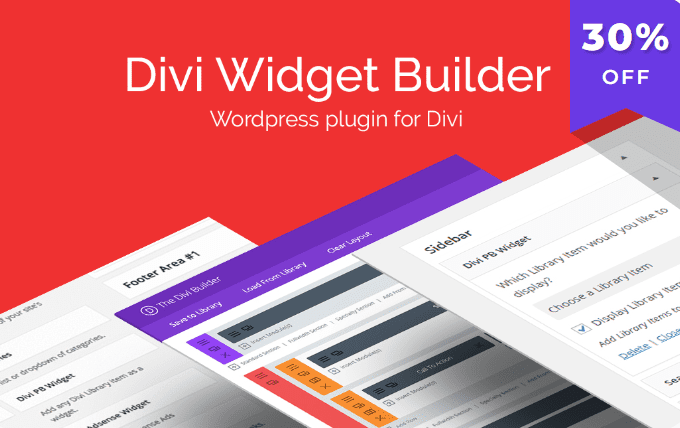
As one of the smallest yet most practical plugins in the Divi ecosystem, the Divi Widget Builder WordPress plugin lives up to its name. This plugin allows you to create custom widgets for your Divi website that are fully compatible with the Divi Builder itself. Divi Widget Builder not only saves users from spending hours researching and writing code but also opens up new possibilities for the design and functionality of your Divi site.
Core Features of the Divi Widget Builder Plugin
Divi Widget Builder is a sidebar widget management plugin designed specifically for the Divi theme. It enables you to create and customize widget areas without writing any code. With an intuitive drag-and-drop interface, you can easily add any Divi module to widget areas, thereby expanding your site's sidebar functionality. Whether you want to add custom menus, recent post lists, or social media icons, this plugin has you covered.
Seamless Integration with Divi Builder
This plugin is fully compatible with Divi Builder, meaning you can use all of Divi Builder's modules to build widgets. For example, you can directly add Divi's button module, image module, or text module to the sidebar, achieving highly customized layouts. This level of integration makes Divi Widget Builder a perfect complement to any website using the Divi theme.
Why Choose Divi Widget Builder?
Many WordPress users often find themselves limited by default widget functionality when using the Divi theme. Divi Widget Builder solves this problem by offering the same flexibility and design control as Divi Builder. You can create professional-looking widgets without learning complex programming languages. Additionally, this plugin is lightweight and well-optimized, ensuring it won't slow down your website.
If you're looking for a simple yet powerful tool to manage the sidebar of your Divi website, then learning more about WordPress plugin optimization might be helpful.
Installation and Usage Guide
Installing Divi Widget Builder is very straightforward. Simply upload the plugin file via the plugin upload feature in the WordPress admin panel and activate it. After activation, you'll see a new Divi Widget Builder option under Appearance -> Widgets in the WordPress admin. From there, you can drag and drop modules into widget areas just like you would with Divi Builder.
Frequently Asked Questions
Is Divi Widget Builder compatible with the latest version of the Divi theme?
Yes, Divi Widget Builder is continuously updated to maintain compatibility with the latest Divi theme. If you encounter any issues, please refer to the official documentation.
How do I create custom widgets?
After activating the plugin, go to Appearance -> Widgets, where you'll see a new widget area. Click "Add Widget," then select the Divi Widget Builder widget to start creating content using the Divi Builder interface.
Is there a Chinese localization version of this plugin?
Yes, we offer a Chinese localization version to ensure Chinese users can easily use all features.
How often is the plugin updated?
The developer releases regular updates to fix bugs and add new features. For specific changelogs, please refer to the official plugin page.
Does it support multisite networks?
Please refer to the official documentation for specifics, but typically such plugins support multisite environments.


Comments (0)