
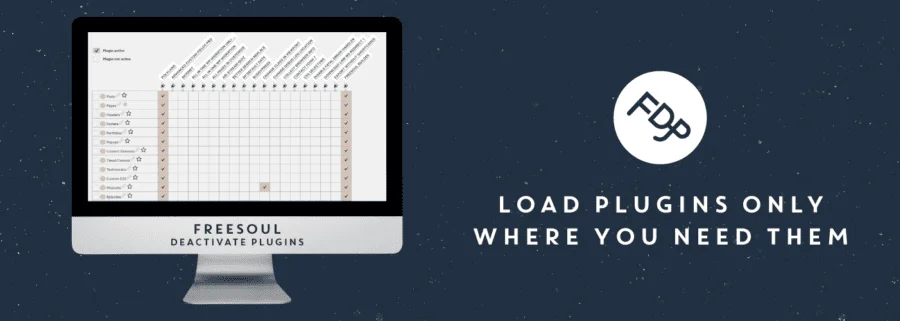
Freesoul Deactivate Plugins PRO is a powerful performance optimization WordPress plugin that allows you to deactivate plugins on specific pages as needed, reducing HTTP requests and speeding up page loading. Whether debugging issues or enhancing user experience, FDP provides precise control over plugin loading, avoiding redundant resource waste.
Core Features of Freesoul Deactivate Plugins PRO
Freesoul Deactivate Plugins PRO (FDP) offers granular plugin management. You can individually enable or disable plugins for each page, post, category, or custom post type. This helps resolve plugin conflicts, reduce database queries, and significantly improve website performance.
How to Install and Use Freesoul Deactivate Plugins PRO
Installing Freesoul Deactivate Plugins PRO v1.1.1.9 is straightforward. After uploading the plugin package and activating it, you will be prompted to install the base plugin (free version of FDP), and then you can start configuring. In the plugin's settings page, you can define plugin statuses for different URL rules, achieving fine-grained control.
Usage Tip: Batch Settings by Page Type
Using FDP's "Batch Settings" feature, you can quickly apply the same plugin strategy to all posts, pages, or the homepage. For example, deactivate irrelevant social sharing plugins on the homepage, keeping only core functionality to optimize initial load time.
For more tips on WordPress performance optimization, refer to our WordPress Optimization Guide.
Freesoul Deactivate Plugins PRO Compatibility and Updates
This plugin is compatible with most mainstream WordPress themes and plugins and is regularly updated to support the latest WordPress versions. Version 1.1.1.9 has been tested and is stable and reliable. For official documentation, visit the WordPress.org Plugin Page.
Frequently Asked Questions
How to Install Freesoul Deactivate Plugins PRO?
Upload the plugin zip file and activate it, then follow the prompts to install the base plugin for use. Refer to the official documentation for details.
Can I Deactivate Plugins on Custom Post Types?
Yes. FDP supports all public post types, including custom types, and you can configure each type individually in the settings.
Is There a Chinese Version of Freesoul Deactivate Plugins PRO?
This plugin supports WordPress multilingual capabilities, and you can translate it using tools like Loco Translate. Refer to the official documentation for details.
How Often Is It Updated?
The developer releases regular updates to ensure compatibility with the latest WordPress versions and fix issues. It is recommended to keep the plugin up to date.


Comments (1)